
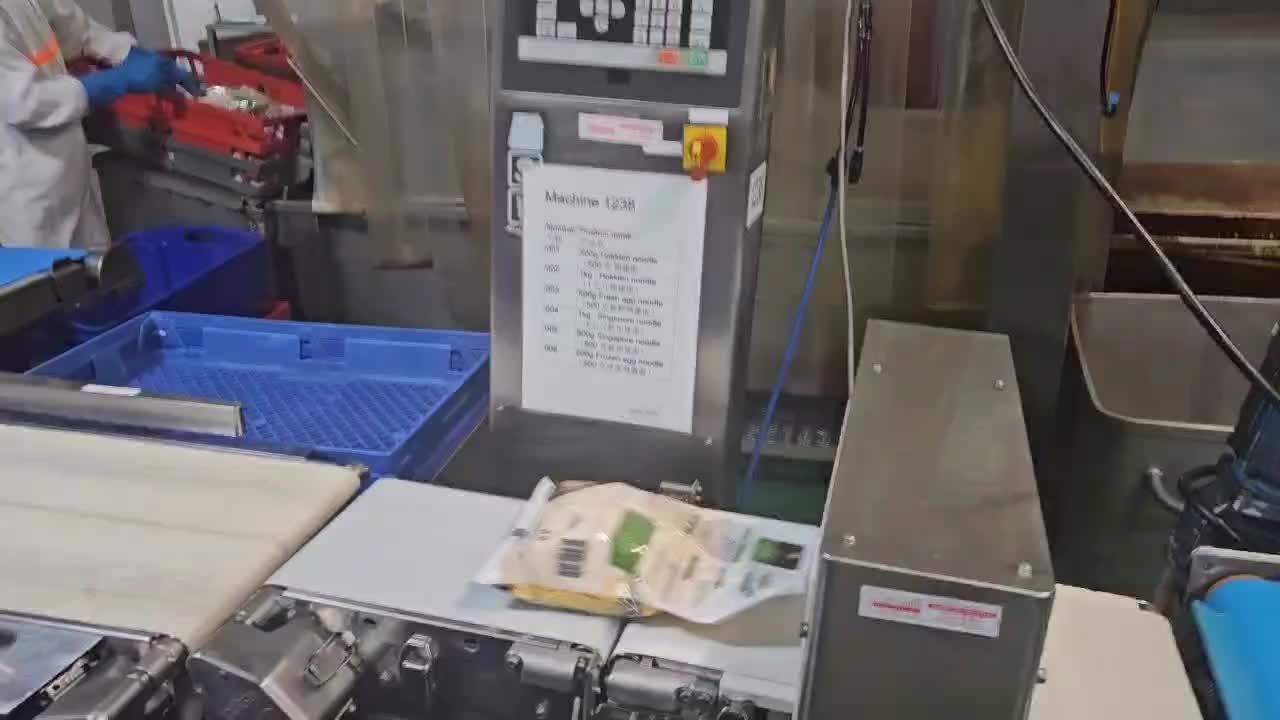
The packaged noodles that pass through the 1238 metal detector and weigher move along the flatter and conveyor and then gather in front of the operator.
The operator who picks up the packaged noodles starts work wearing PPE and a face protector.
They place 7 packaged noodles coming off the conveyor belt into the pasteurization basket as shown in the video.
After stacking the baskets in 4 layers, they place a metal tray on top and push the stack into the pasteurization hot water tank.
The noodle baskets placed in the hot water tank move along the conveyor belt.
The baskets coming out of the hot water tank are then transferred to the cool water tank for cooling.
The baskets coming out of the cool water tank (1245) are moved onto the conveyor belt by the operator.
The operator removes the metal tray and places it in the euro bin, then stacks the baskets in alternating directions so that there is space between each basket.

When stacking noodle baskets on a pallet, place a plastic sheet on the pallet as shown in the photo to prevent contamination of the noodles.
Stack four baskets in the direction of the arrows. Each pallet is stacked 17 layers high.
when completed stacking noodle baskets, wrap the baskets on the pallet
Wrapped pallets are moved to the blast chiller using an electric pallet jack.
Before placing the pallet loaded with baskets into the blast chiller, record the quantity in the M3 system and print the label.
Open M3 and go to the menu, then find and click PMS100.
In the Item field, enter the desired item code and set the filter to 80.
When the correct item appears, right-click on it and go to Related > Report Receipt.
Enter the quantity, then delete all the numbers shown in the Man declassified dat and Lot number fields.
Click Next, and the label will be printed from the printer.
Attach the printed label to the wrapped section and place the pallet inside the blast chiller.