
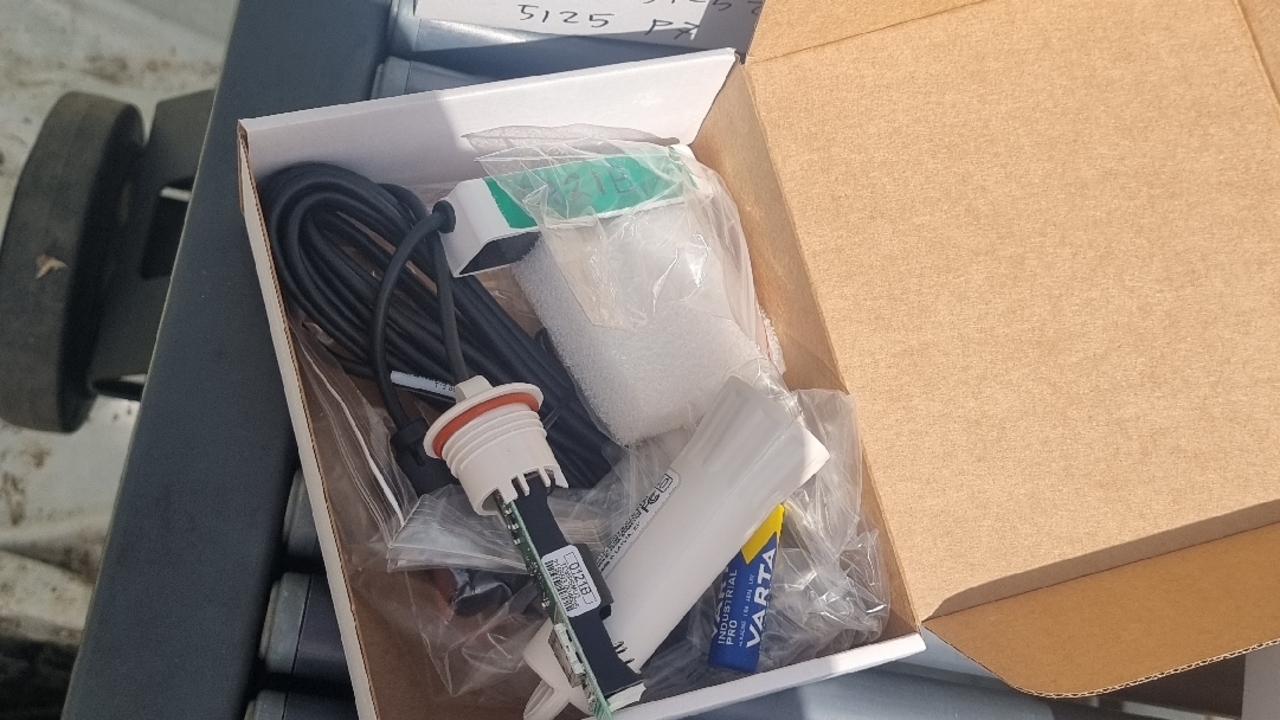
Setting Aranet sensor
1
Step 1 of 12
Open the software
2
Step 2 of 12
Take the bateries out
3
Step 3 of 12They will ask to insert the batery
4
Step 4 of 12Red flash light
5
Step 5 of 12
Press the pait sensor
6
Step 6 of 12
Should make 2 minutes is select to pair the sensor
7
Step 7 of 12
Should wait total load before srart paor new sensor
8
Step 8 of 12
Put new batery
9
Step 9 of 12
Install the receiver 400mm above the wire and install marker ribbon
10
Step 10 of 12
11
Step 11 of 12
12
Step 12 of 12
Make sure to install long marker ribbon