
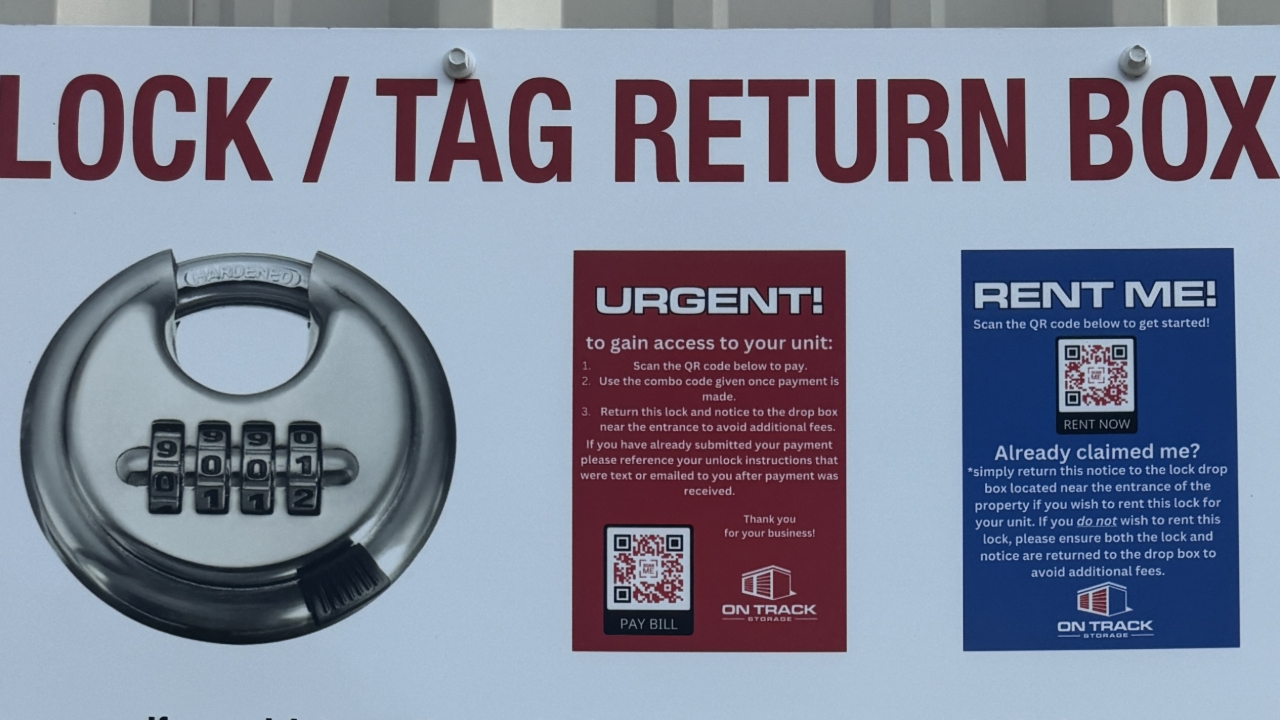

Locate the drop box. At each property the lock drop box will be located near the entrance/exit of the facility for easy visibility.

If you have chosen to use the provided combination disc lock, you will only need to return the lock out tag to the drop box.
In this case, skip to step 4.

If you are providing your own lock, you will need to return both the lock and lock tag to the drop box (step 4).
Lift the front flap of the drop box and slide the lock and/or lock tag down into the box. Please ensure it falls into the box by ensuring the opening is fully cleared before putting the flap back down.
Lock & Tag return-Please ensure you text your Name, Unit Number, and the statement "have returned lock and tag to drop box" to 270-812-4144. *If you scan the QR code on the bottom right corner it will start this text for you.
Tag return only-No further action is needed.
Thank you for your business!