

Go to the reporting portal.
Click on "Download Knowbys"
This will download a JSON file of all the information about your knowbys.
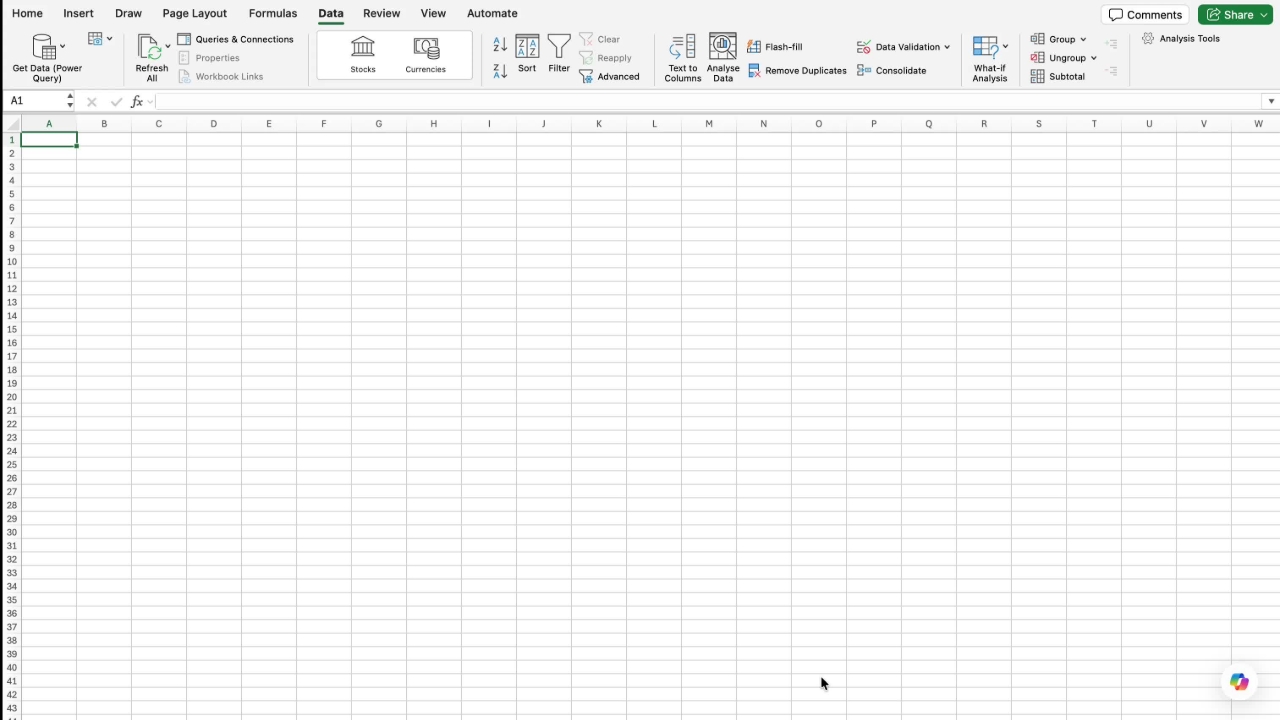
Open up a new Excel spreadsheet, then you can come across to data and in here you'll see get data power query.
Click on this and then you'll be able to import the JSON file that you've created from the Knowby dashboard where you did the download knowbys file creation.
Click Next. And that'll import all of these records.
Each one of these records has all the information in it about the knowbys that you want.
So in here you've got 370 knowbys and you can expand these at any stage.
Go in here and you'll see all the details in here.
It shows the title, the ID, any description, versions, status, last updated, last updated by, assigned approver, next review date.
Let me know if this helps.