
Enabling Dark Mode
Switch to Dark Mode, Light Mode, or match your system's theme — your preference saves automatically.
Switch to Dark Mode, Light Mode, or match your system's theme — your preference saves automatically.
1
Step 1 of 2Click your avatar in the top-right corner to open your account menu.
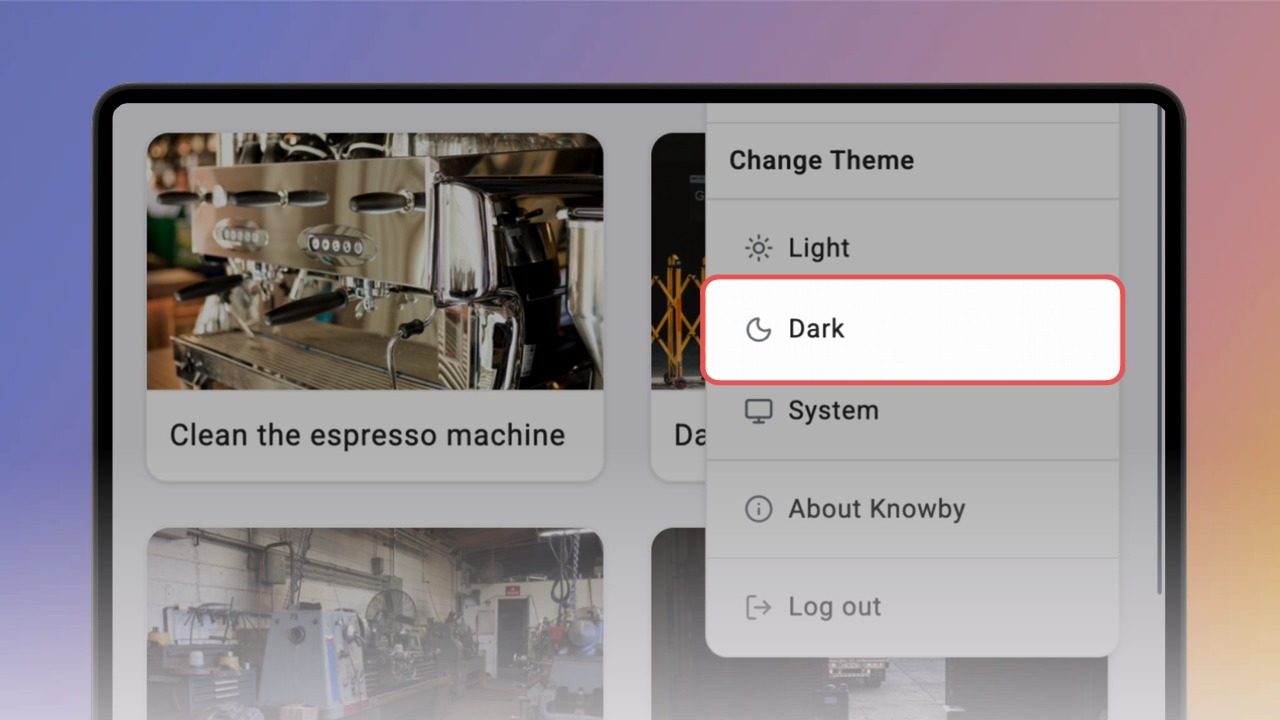
Right below your profile info, you'll see Change Theme with three options to choose from.
2
Step 2 of 2Pick whichever suits you:
Light — the default bright theme
Dark — a darker theme, easier on the eyes in low light
System — matches whatever your device is set to
💡 Your choice saves automatically, so Knowby will always open in that theme.