
How to track changes of your knowby
Every edit, approval, and status change is recorded in one place – so you always know what happened and when.
Every edit, approval, and status change is recorded in one place – so you always know what happened and when.
1
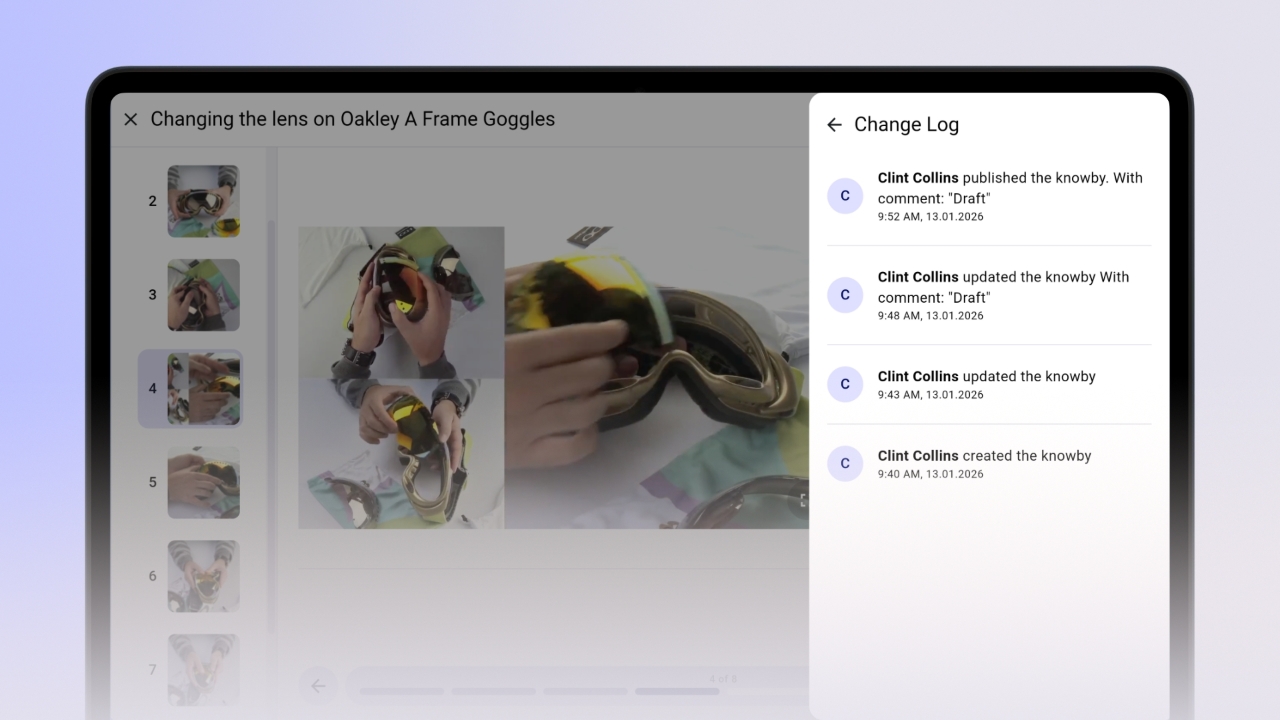
Step 1 of 3Each knowby has a Change Log that records all edits.
Open the three-dot menu on the knowby card → Details → Change Log.
2
Step 2 of 3The Change Log tracks everything – unpublishing, approvals, change requests, and content edits – all in one place.
3
Step 3 of 3
Comments left during status changes (such as approval or change request notes) also appear in the Change Log, so all context is kept together.