
How to create a Knowby account
Follow these steps to set up your new Knowby account and get started with creating instructions.
Follow these steps to set up your new Knowby account and get started with creating instructions.
1
Step 1 of 5
On the login screen, click the Sign up link next to Don't have an account?
2
Step 2 of 5
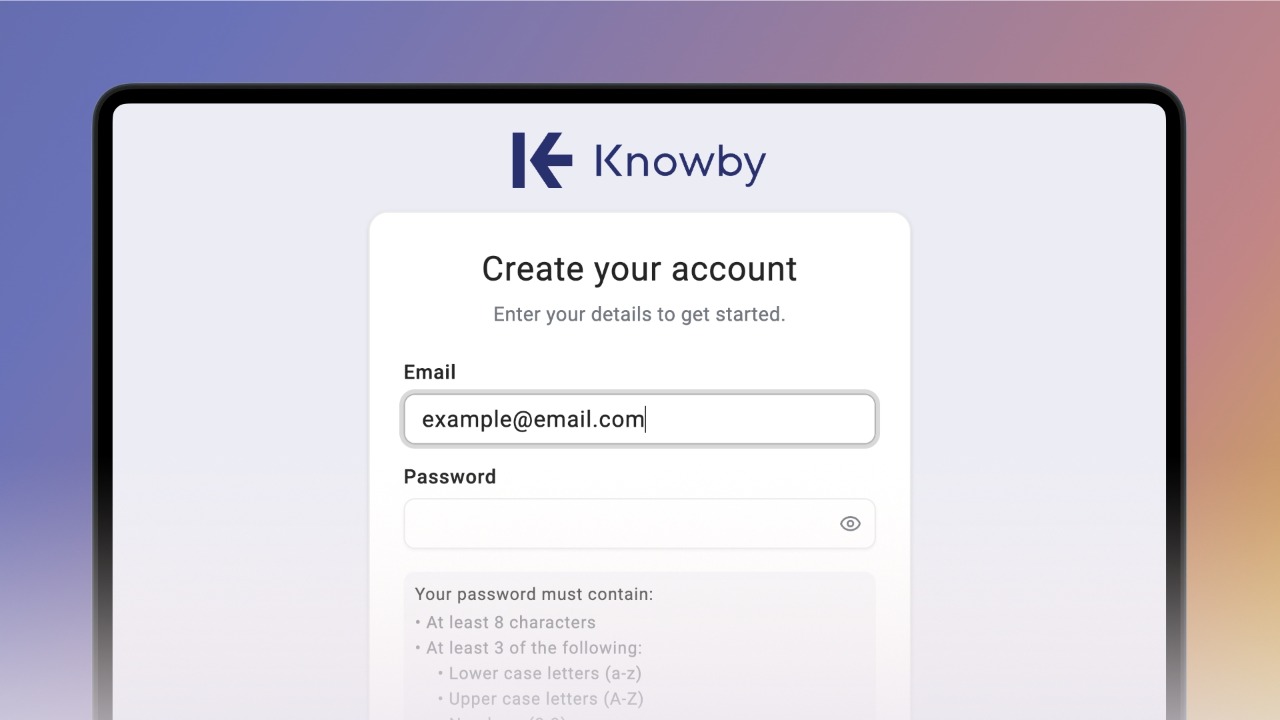
Enter your email address. Remember that the email must be in lower case only.
3
Step 3 of 5
Enter a password that is at least 8 characters long.
Your password must contain:
At least 8 characters
At least 3 of the following:
• Lower case letters (a-z)
• Upper case letters (A-Z)
• Numbers (0-9)
• Special characters (e.g. !@#$%^&*)
4
Step 4 of 5
Enter your password again in the Confirm Password field.
Check the box to agree to the Privacy Policy and Terms of Service.
5
Step 5 of 5
Click the Create account button to move to the next step.