
View a knowby and Mark as Complete
Open a knowby, work through its steps in Scroll or Slide view, and mark it as complete when you're done.
Open a knowby, work through its steps in Scroll or Slide view, and mark it as complete when you're done.
1
Step 1 of 5Click a knowby card to open it.
2
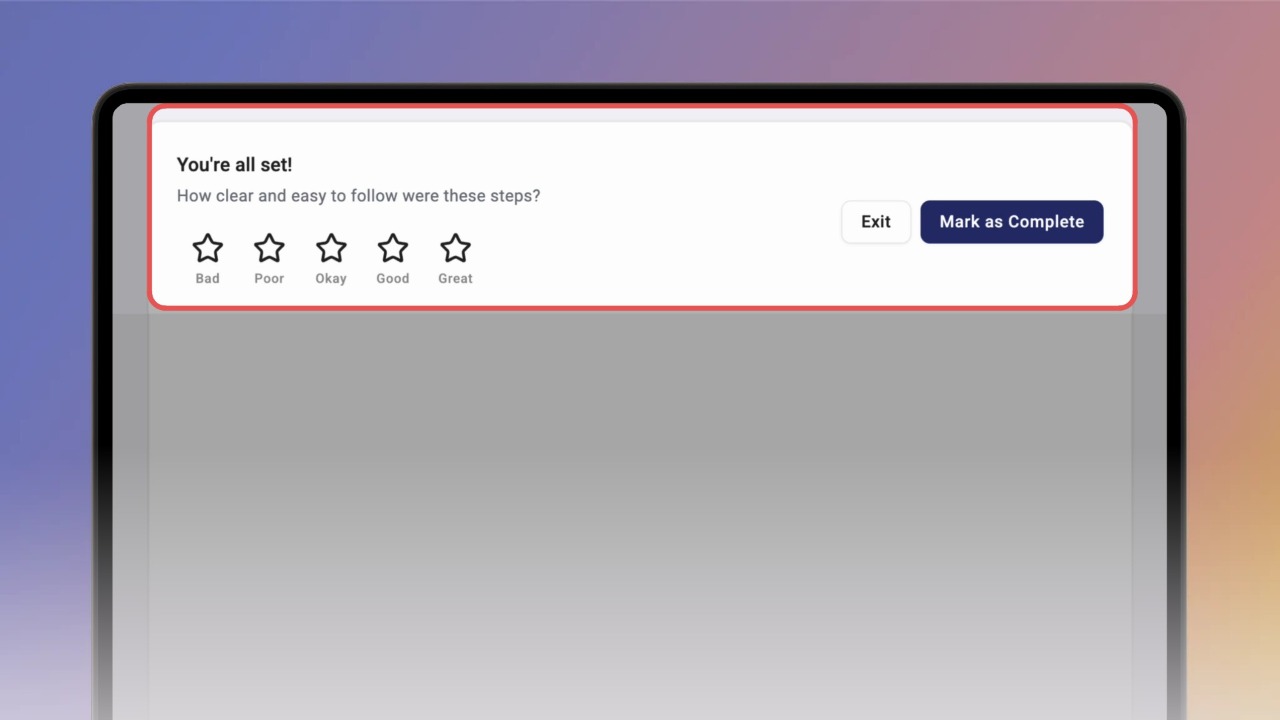
Step 2 of 5In Scroll view, scroll through all the steps. At the end, rate the knowby if you like and click Mark as Complete.
3
Step 3 of 5Prefer one step at a time? Click Slide at the top, then Get started.
4
Step 4 of 5Use the arrow to go to the next step. On the last step, click Complete, rate the knowby and click Mark as Complete.
If you see Almost there!, some steps are required — see
Complete required steps.
5
Step 5 of 5If you've started a knowby before, choose Continue to pick up where you left off, or Start Again.
Starting again erases your progress.