Knowby
Tyre Doctor
How To Book TNT Freight
How to bookr freight via TNT (FedEx)
How to bookr freight via TNT (FedEx)
1
Step 1 of 4Booking Freight✈️ - Step 1
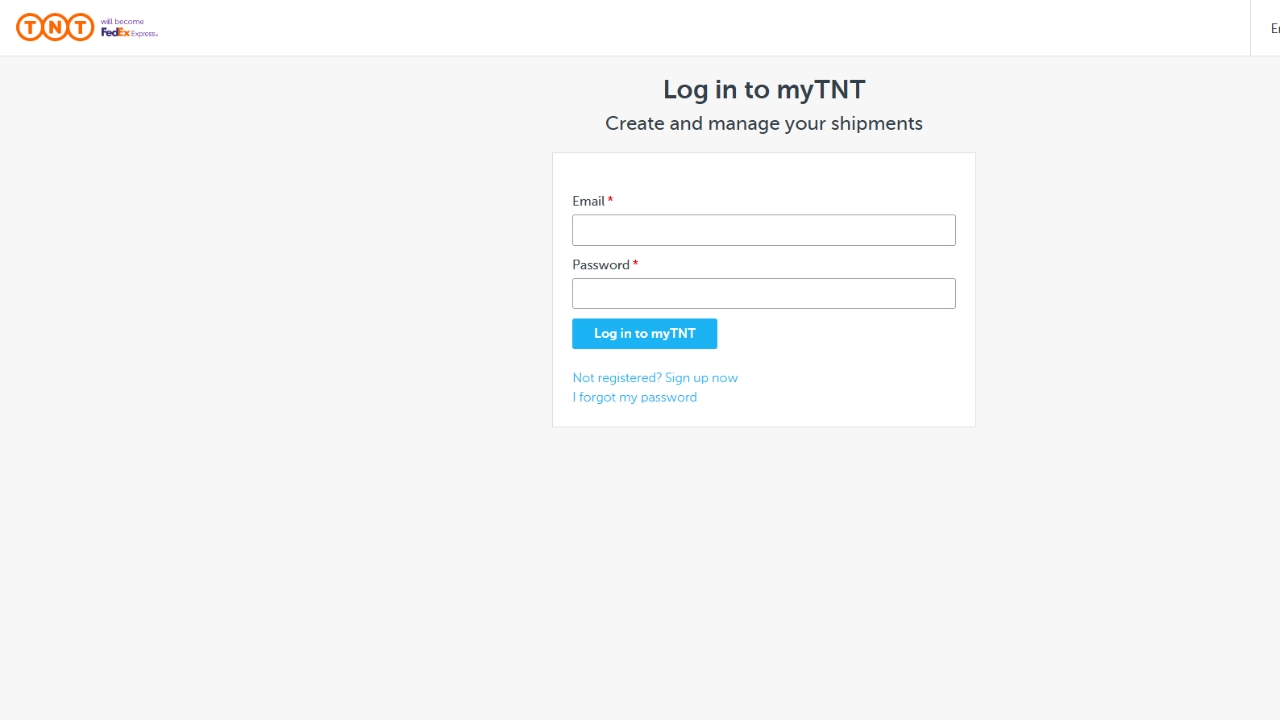
1.Log in to MyTNT account
2. Create Shipment
3. Untick alternative collection address if the item is being collected from Leeton warehouse.
4. Select from address book - presets for who we frequently send to.
2
Step 2 of 4Booking Freight✈️ - Step 2
Enter Quantity, Type, Measurements and Weight.
Enter Goods Description.
In Customer Reference Enter Purchase Order Number.
3
Step 3 of 4Booking Freight✈️ - Step 3
Select who will be paying for the shipment.
Show rates and times:
Select Shipment date - if booking after 2pm same day isn't an option so go next day.
Select The service you wish to book and the last available collection time.
4
Step 4 of 4Booking Freight✈️ - Step 4
Continue to summary - Review details and confirm they are correct!
Finalise Shipment.
Print Documentation.
All done!