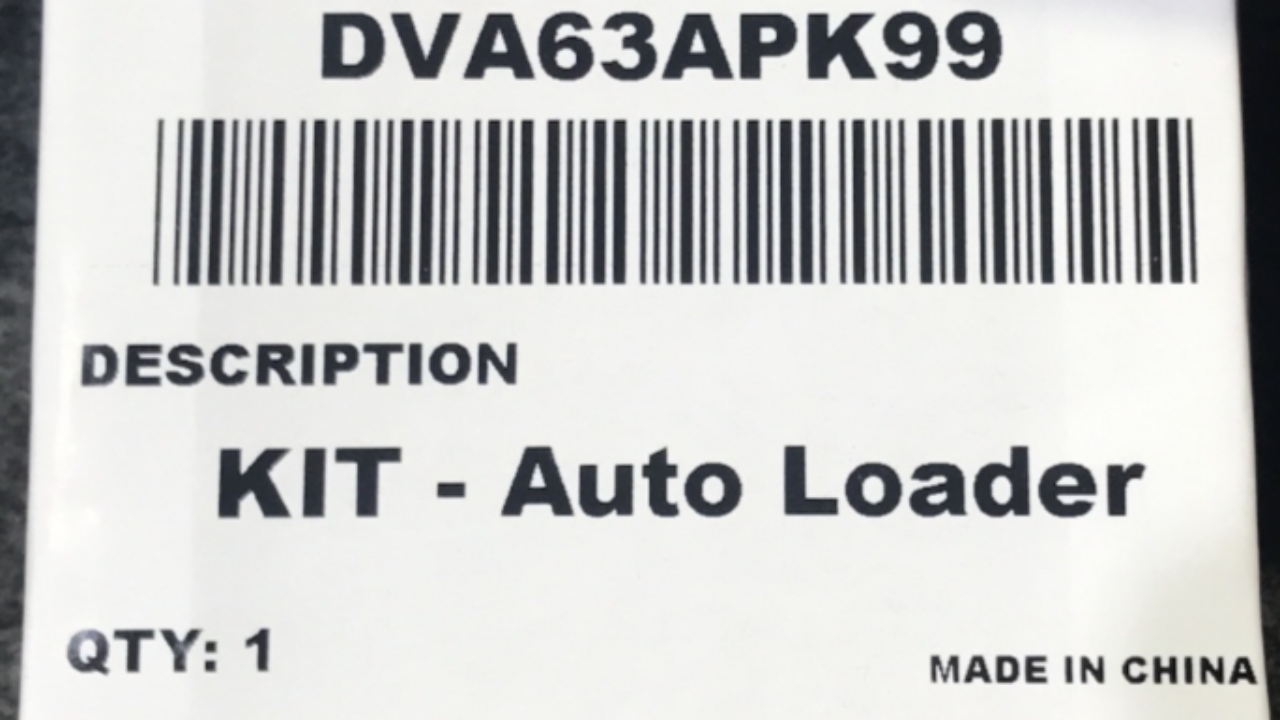
Open your Roller Cover and locate the ECU on the left-hand side (LHS) of the canister.
Disconnect the diagnostic port cover from the ECU and set it aside safely.
Connect the Auto Loader to the ECU and confirm that the green LED indicator is illuminated.
If no green light is present, the Roller Cover may be in sleep mode. Wake it by pressing any button on the Roller Cover.
While holding down the open button continuously, press the button on the Auto Loader to initiate the firmware update.
The green LED will turn off, and the red LED will illuminate solid.
Once the red LED turns off and the green LED becomes solid again, the update is complete.
Remove the Auto Loader and reconnect the plug to the ECU.
Note
Please ensure to calibrate your Roller Cover after this, as per the fitting instructions.