
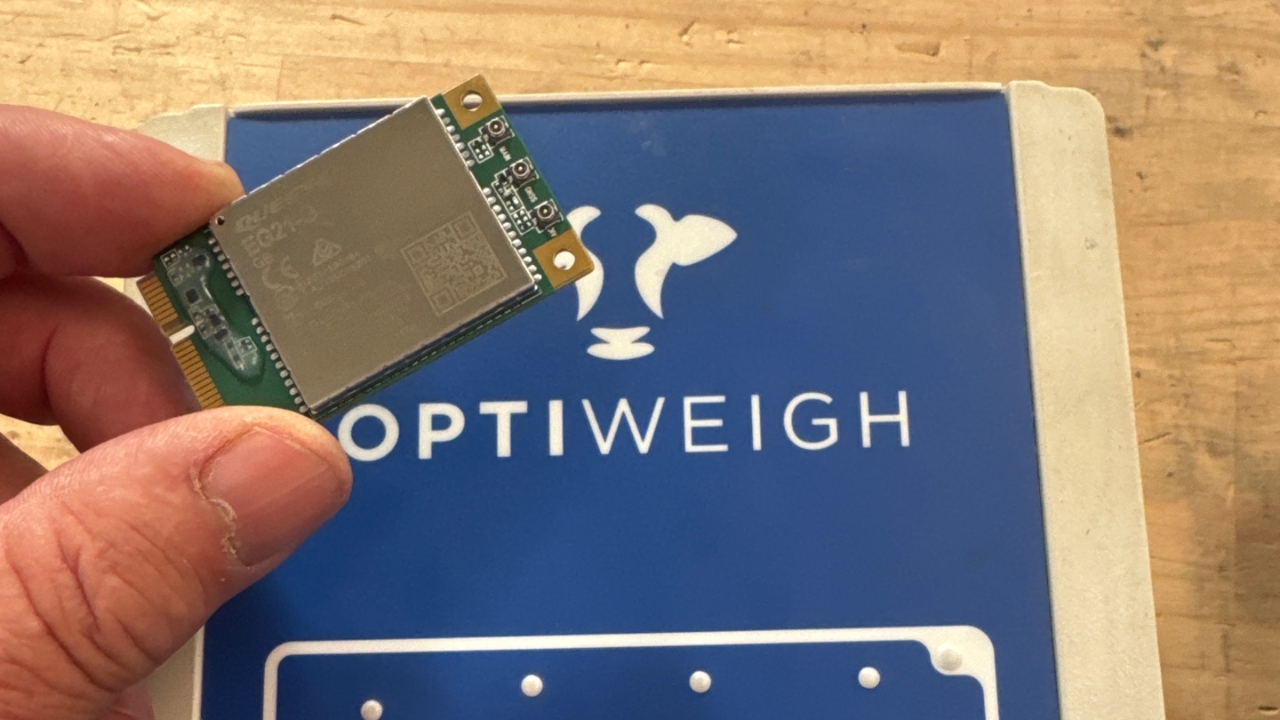
Changing Comms Card
How to open the WIC Box and change the comms inside
How to open the WIC Box and change the comms inside
1
Step 1 of 6Remove the back plate
2
Step 2 of 6Gently remove the antenna leads then the card
3
Step 3 of 6Insert the new card
4
Step 4 of 6Connect the leads
5
Step 5 of 6
Check that antenna leads are connected as shown and tabs holding the card are secure.
6
Step 6 of 6
Put it back together.