
Site Audits
How to perform a site audit for Smart Locks rolled out onsite
How to perform a site audit for Smart Locks rolled out onsite
1
Step 1 of 3
Gather a list of units that are deliquent enough for you to cut locks. This will come from your Property Managment Software.
2
Step 2 of 3
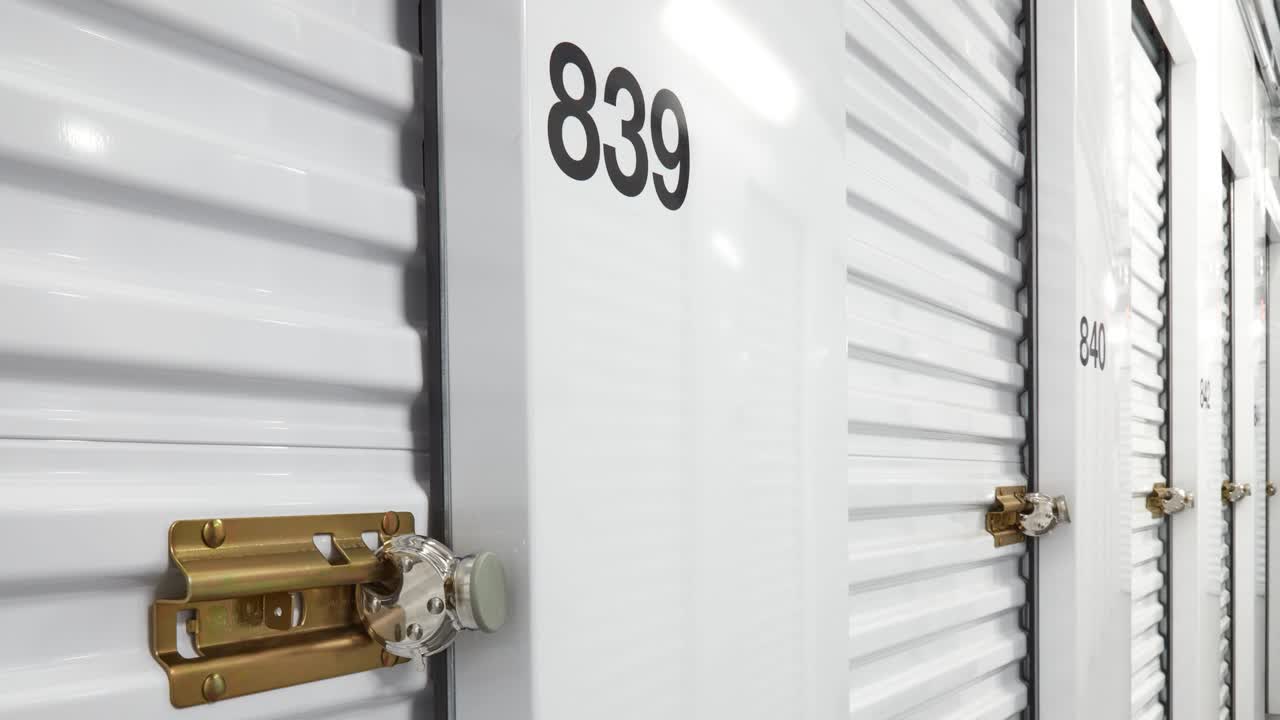
Partial Lock Rollout can be identified by placing a Lock Support Sticker above the latch or any other type of identifier on the door to give a visual of which units should contain a Smart Lock.
3
Step 3 of 3
Installing a new lock on units that should have a Smart Lock
- Search Unit number that you are replacing lock for
- Delete Bundle
- Home Page, +Create Bundle
- Scan Lock
- Add Unit ID
- Put Lock On Unit
- Get Unit Info
- Close with NFC
- Confirm lock is locked