
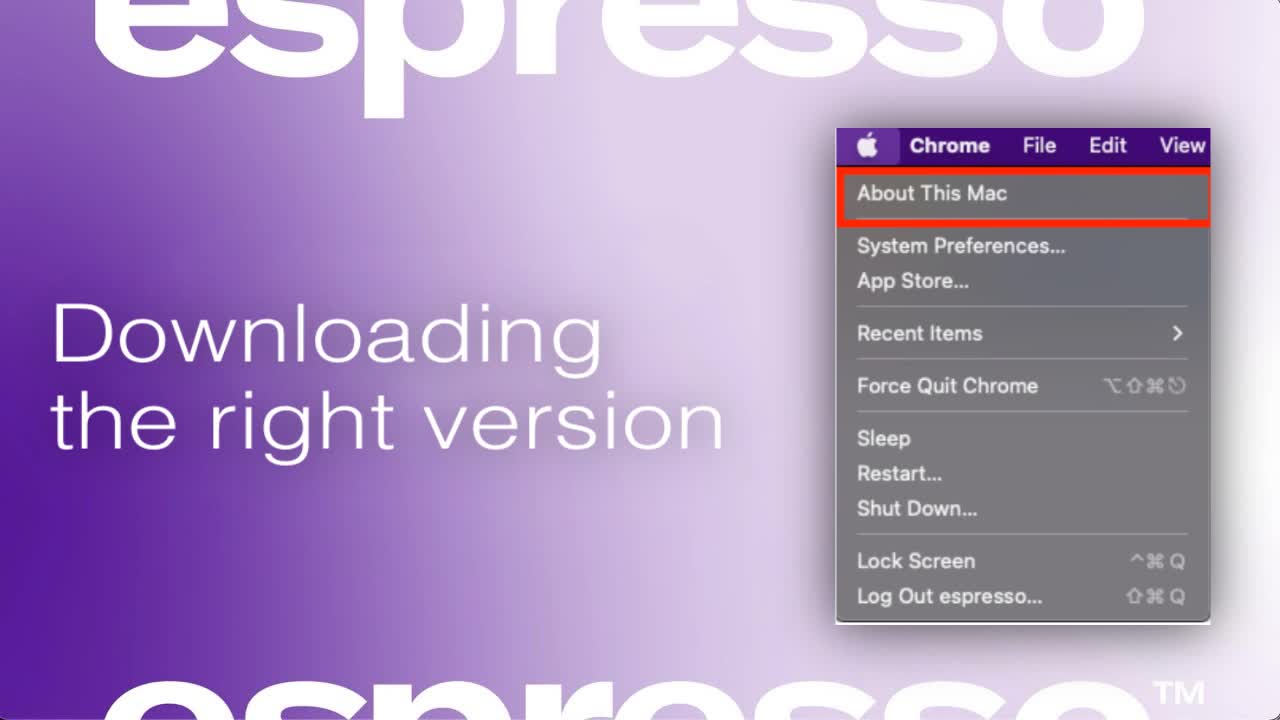
Downloading the right version for your device
espressoFlow is designed to work with different versions of Apple processors. To find out which processor you have.
espressoFlow is designed to work with different versions of Apple processors. To find out which processor you have.
1
Step 1 of 4Open About This Mac
- Click the Apple icon in the top-left corner of your Mac screen.
- Select 'About This Mac
2
Step 2 of 4Identify Your Processor
In the window that appears, look for the processor type (Intel or M1/M2/M3).
3
Step 3 of 4Reference Example
The provided screenshot shows an example with an M1 processor.
4
Step 4 of 4Download espressoFlow
Click here to download espressoFlow and select the correct version for your processor.