Knowby
Dairy Systems
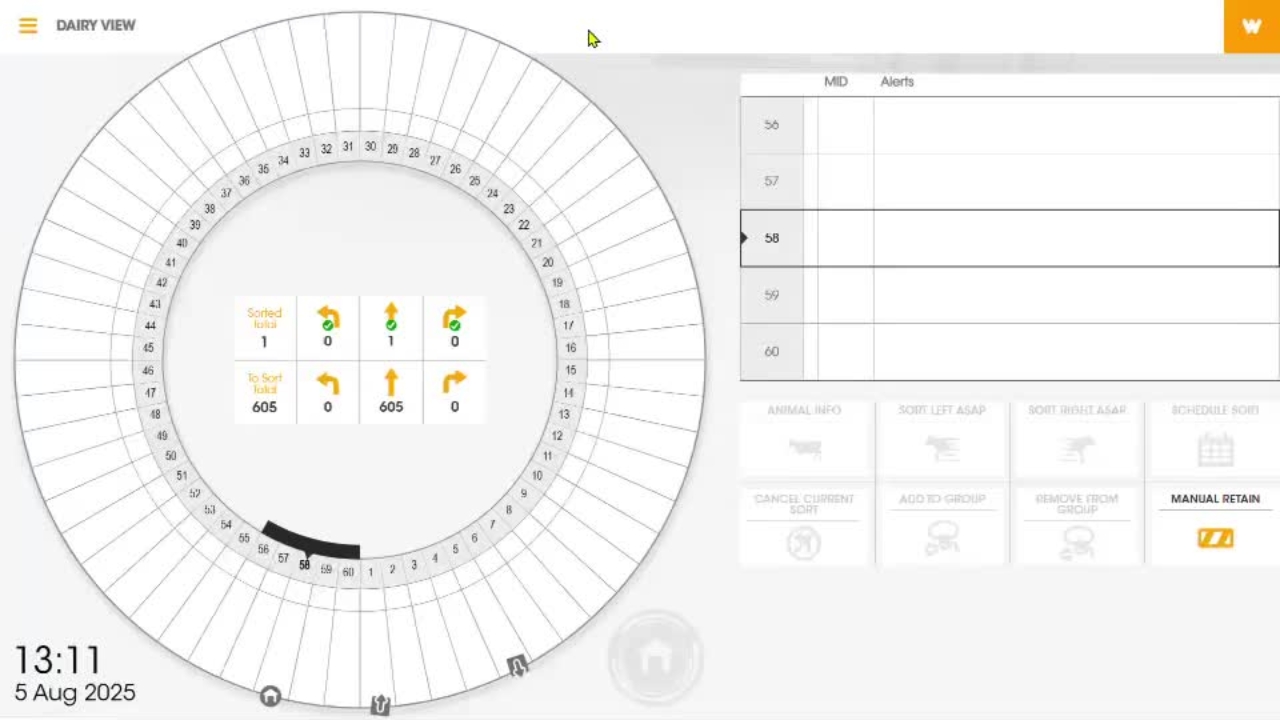
Adjusting ECR parameters in dairy HQ
Select the top left hand corner of the screen and select settings.
Select the top left hand corner of the screen and select settings.
1
Step 1 of 3Select the top left hand corner of the screen and select settings.
2
Step 2 of 3From here you can select ECR, select the parameter you wish to adjust, then make the adjustment.
3
Step 3 of 3Once that is done, select save changes.