
How to set up your account
1
Step 1 of 3
Prior to delivery you will receive an email from Optiweigh Support prompting account setup. Please note temporary password.
2
Step 2 of 3
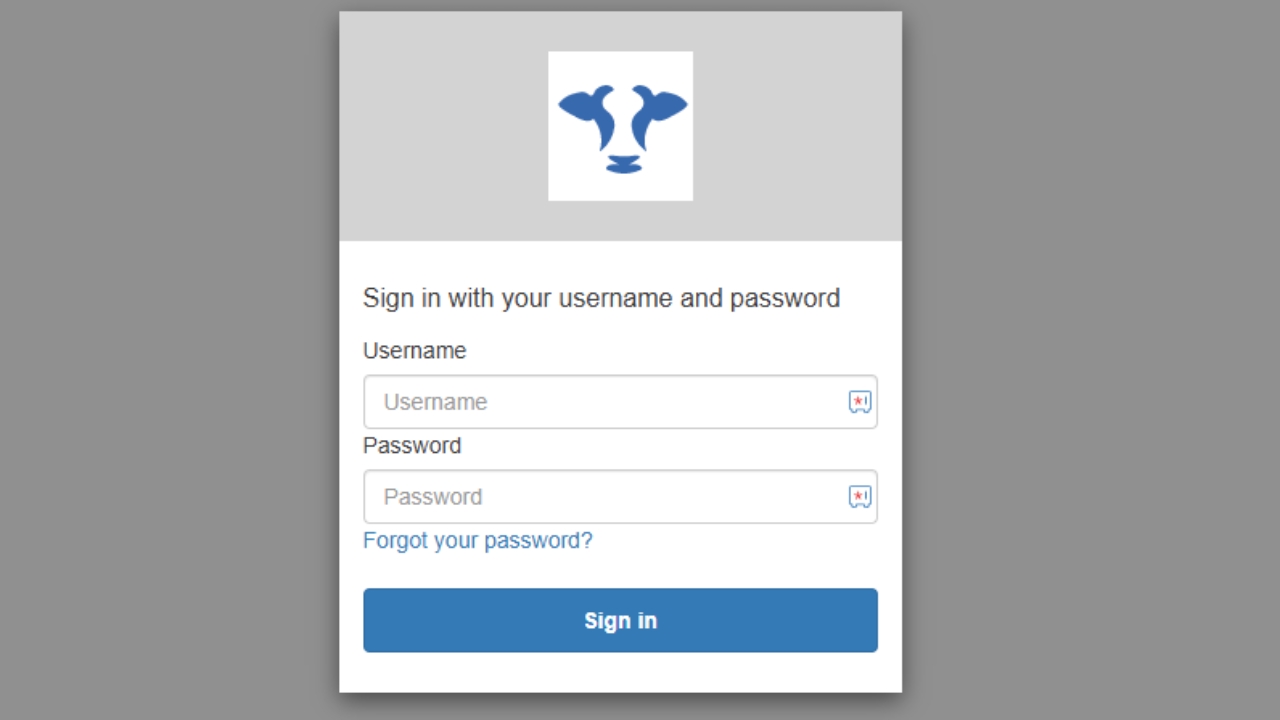
Log in using email and temporary password and follow the prompt to create a new password.
3
Step 3 of 3
The login details you have just made can be used to login to both the Optiweigh Client Portal and the Optiweigh app