
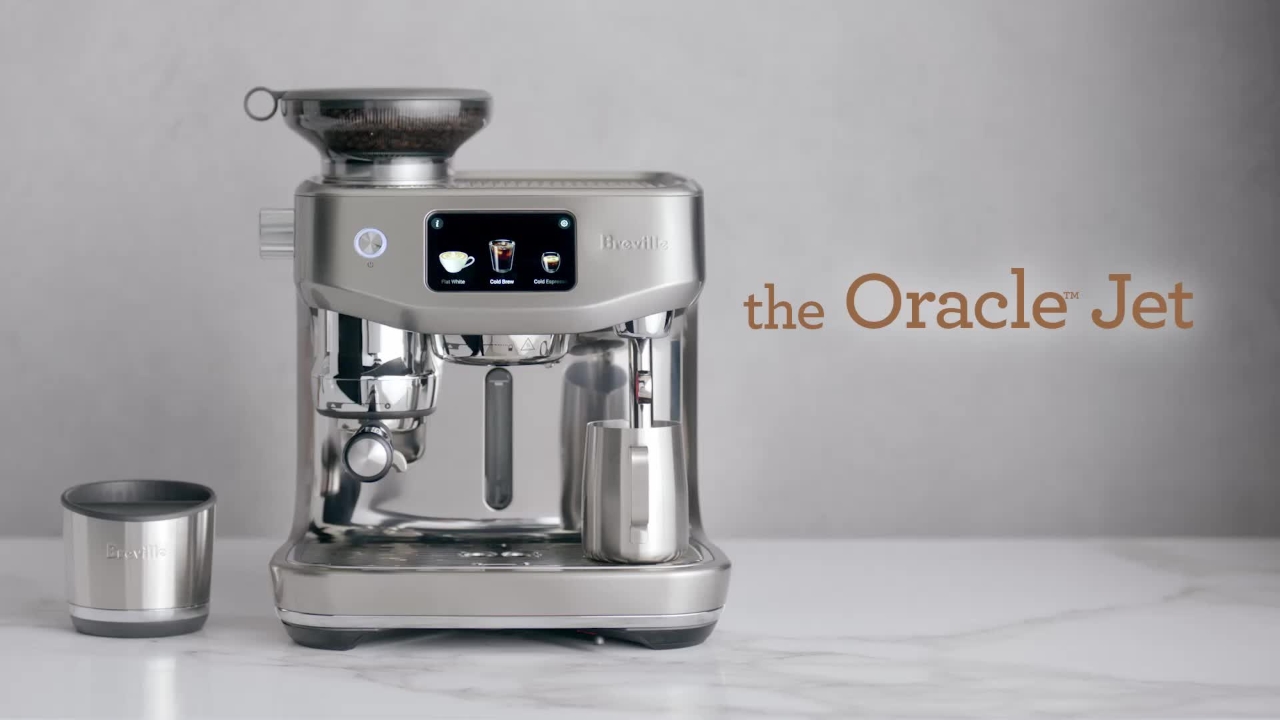
the Oracle Jet Unboxing and setting up your coffee machine
Congratulations on purchasing your Oracle Jet Espresso machine, powered by ThermoJet.
Congratulations on purchasing your Oracle Jet Espresso machine, powered by ThermoJet.
1
Step 1 of 19Congratulations on purchasing your Oracle Jet Espresso machine, powered by ThermoJet.
2
Step 2 of 19Let's unbox your machine. Place the box on the floor and open it up.
3
Step 3 of 19Remove the accessories contained in the top panel packaging. With both hands, firmly hold the machine and pull it up and out of the box.
4
Step 4 of 19You'll find a set of key accessories that all have a part to play.
5
Step 5 of 19Before first use, remove all of the plastic protective covering and wash all the parts and accessories with warm soapy water and a soft cloth or brush.
6
Step 6 of 19Dry thoroughly before use. You'll notice that the Oracle Jet features a third wheel for added convenience.
7
Step 7 of 19You can easily swivel it around until you find the right position, then lock the lever to secure the machine from moving around your bench top.
8
Step 8 of 19You'll need to soak the filter in cold water for 5 minutes. Pop it into the filter holder.
9
Step 9 of 19Fit the holder snugly into the bottom of the tank and fill with fresh cold water.
10
Step 10 of 19Check your water hardness by dipping this test strip into the water tank.
11
Step 11 of 19You'll use this info shortly. Now, place the water tank into the machine.
12
Step 12 of 19Fit the bean hopper to the top of the machine like this, locking it into place.
13
Step 13 of 19Now, let's power it up. On first use, your machine will prompt you to set up various preferences, settings, including a Wi-Fi network connection to run a firmware update.
14
Step 14 of 19This keeps your Oracle Jet up to date with the very latest operating system, just like your smartphone.
15
Step 15 of 19Next, all you have to do is follow the on-screen tutorials, which will take you through all the parts and accessories to get to know your machine better, right through to making your first coffee using simple, easy-to-follow steps.
16
Step 16 of 19Cold drinks are now officially on the menu.
17
Step 17 of 19These brew at lower temperatures, which produce more mellow and less acidic notes, creating light and smooth flavor profiles.
18
Step 18 of 19Experiment with new flavors and creations, and enjoy pre-programmed classics and recipes, including cold brew, cold espresso, espresso martini, espresso shakerado, and latte shakerado.
19
Step 19 of 19Thank you.