
Manage users
1
Step 1 of 5
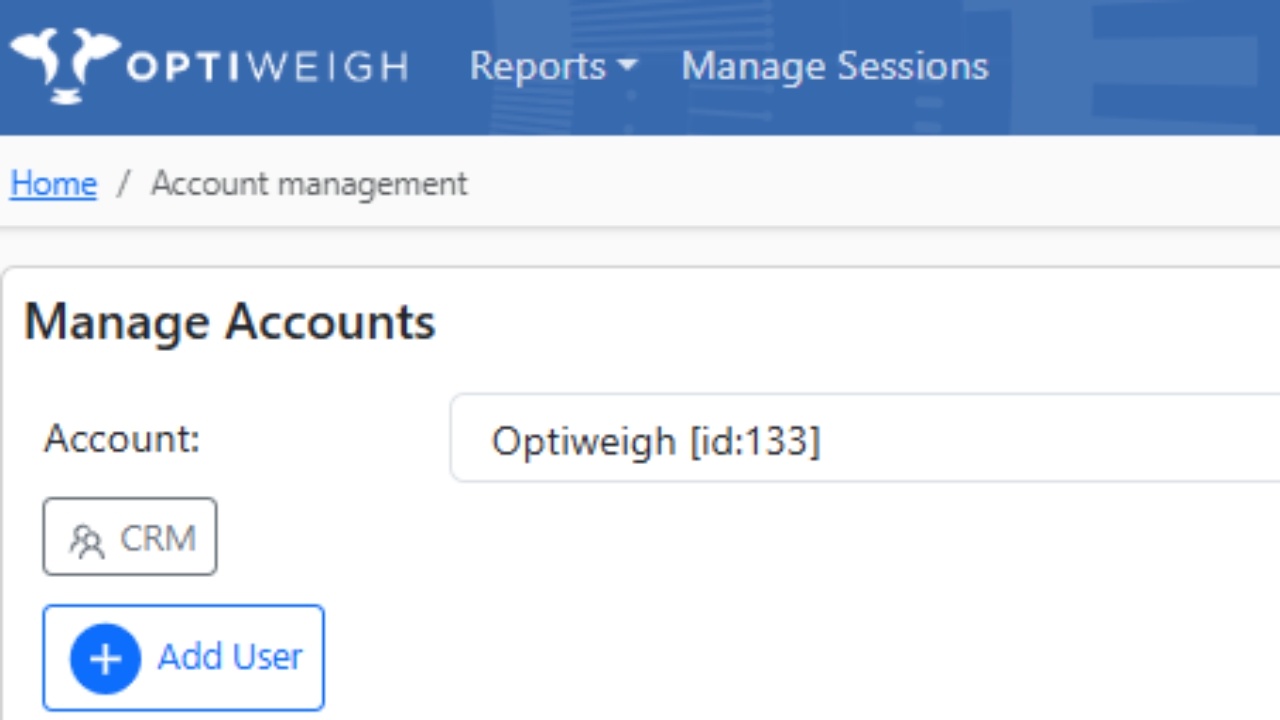
Log in to Optiweigh Client Portal. In the top right hand corner click 'Account' and 'Manage Accounts'.
*Take note of Role Permissions*
2
Step 2 of 5
Click 'Add User'
3
Step 3 of 5
Fill required fields. There is no limit to how many users you can have on a account.
4
Step 4 of 5
Once you have added a user they will be sent an email invite with temporary password.
5
Step 5 of 5
In 'Account Management' You can change permissions, remove users and turn off daily email at any point.