
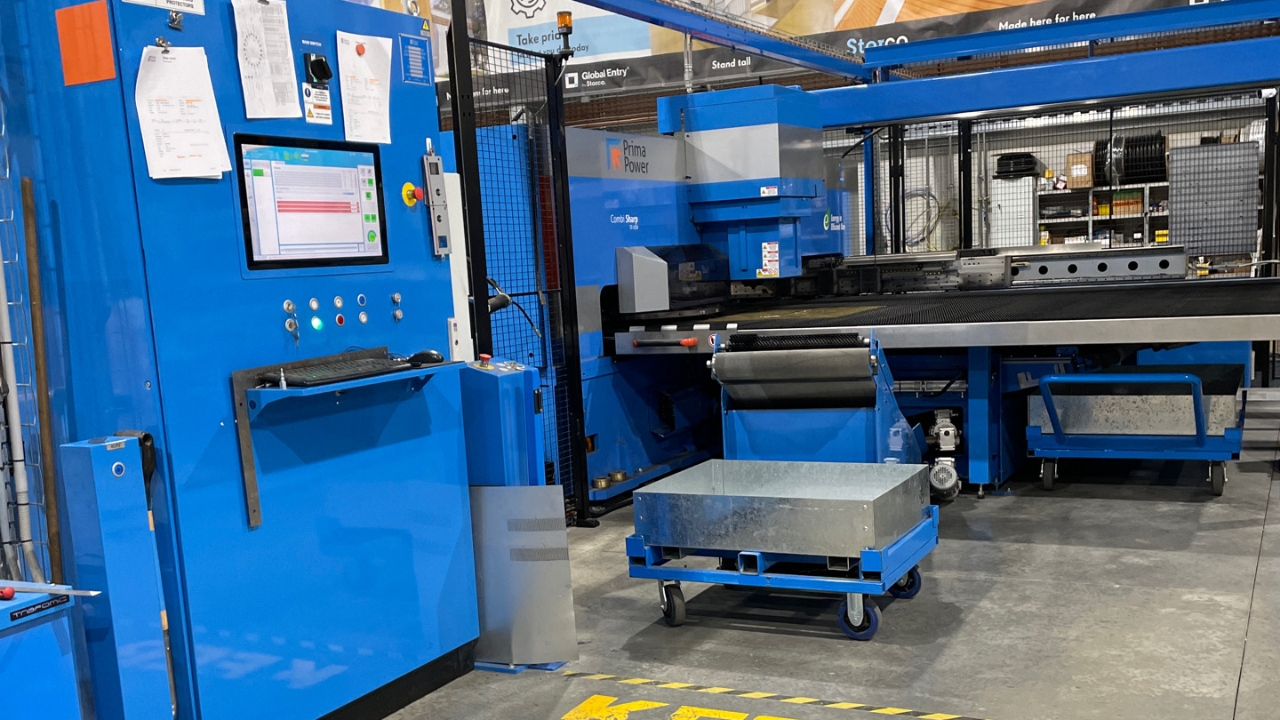

Personal Protective Equipment (PPE). Gloves and Safety Glasses. If you don’t already have a pair of gloves or safety glasses, please see the store person.

Other forms of Personal Protective Equipment (PPE), include a face mask and black nitrile gloves when clearing the filter and Laser Dust Bucket.

QA Sheet. You will find a QA sheet at the machine, if there is no QA sheet there, see the team leader or production. A QA sheet will need to be completed at the start, throughout and, at the end of the day.
No tools required.

Remove scrap material from wagon 4.
Remove and clean out trolley.

After trolly has been cleaned, place back in it’s original place.
Remove and clean out the scrap chute.
Once the scrap chute is clean, put it back in place and latch it.

Put the table back up.
Remove and clean out 'Slug' bin. [use sling to lift the bin over the Metal waste bin and empty contents.]
Once the slug bin has been cleaned out put it back in its place.
Clear off the UDC table.
Whilst wearing a face mask, clean out the Laser dust bucket and empty into a garbage bag, discard the dust in the general waste bin.
Once the bucket is clean, put it back.
Remove the filter.
Vacuum up all the debris.
Wash out the filter and let it dry over the weekend.

Using a magnet, pick up all the small pieces of metal on the feed table.

Using the blower, blow off the dust on the feed table...

...and around the machine.

Turn both keys Off.
Close [Exit] the Tulus Program.
![<p>Go to Windows Logo and select Power/Shut down. [As with any PC]</p>](https://knowby.show/media/storco/knowbys/1ae93a30-67af-4204-8220-9ba660681b26/steps/7f3a1f07-f32c-4e78-92f5-1cba6dbf5675/hd720.jpg)
Go to Windows Logo and select Power/Shut down. [As with any PC]

Turn OFF the main switch on the console.

At the back of the machine turn the air OFF.

Turn OFF the other main switch at the back of the machine.

Turn OFF the laser.
![<p>Turn off the gas. [Handle should be at 90* to the pipe]</p>](https://knowby.show/media/storco/knowbys/1ae93a30-67af-4204-8220-9ba660681b26/steps/bd6cc990-8c73-4212-b3e2-f6208c3652e5/hd720.jpg)
Turn off the gas. [Handle should be at 90* to the pipe]