Knowby
Pentair Water
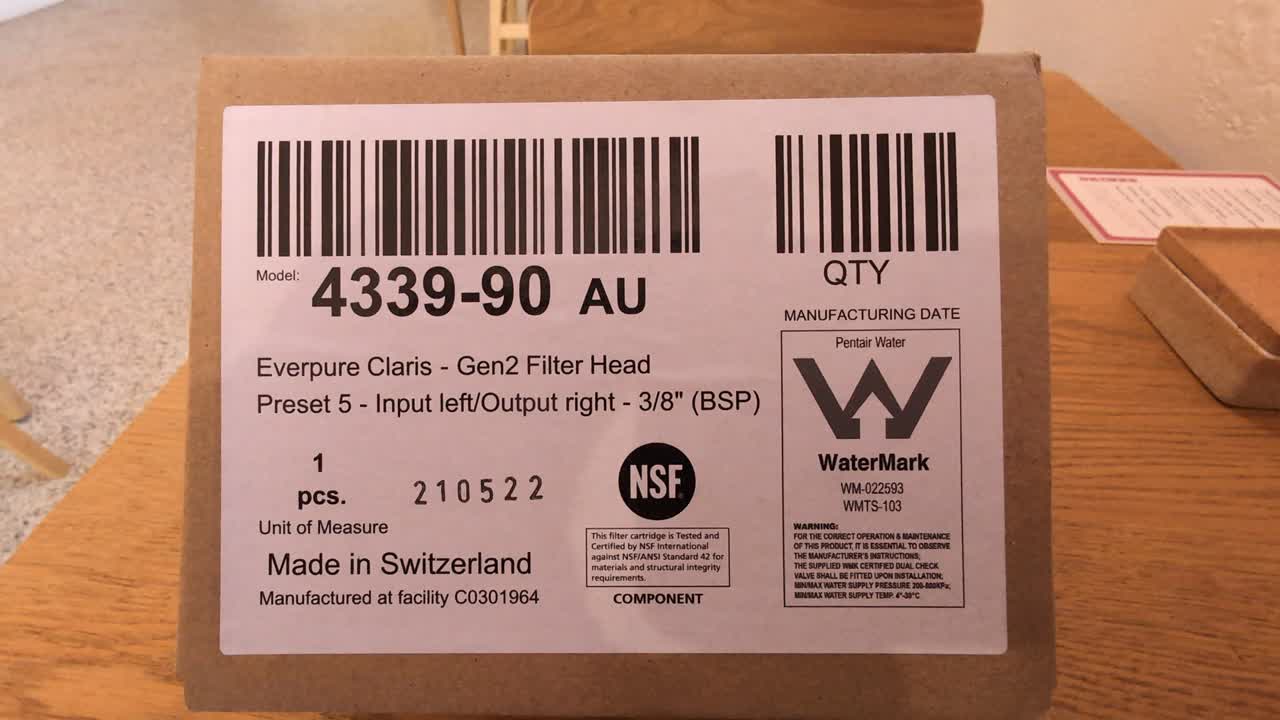
Setting your Claris bypass
Everpure Claris Gen2 Filter Head bypass setting
Everpure Claris Gen2 Filter Head bypass setting
1
Step 1 of 7
Unbox and locate the set tool.
2
Step 2 of 7
If the tool isn't already inserted, place it into the head here.
3
Step 3 of 74
Step 4 of 7
Recognise what setting you head is on. The mark will point to a number.
5
Step 5 of 7Determine what setting you want for your Claris Gen2 head. 0 means no bypass and 6 is maximum bypass.
6
Step 6 of 7Change the setting by pushing the tool in and turning to the required byoass setting. Once adjusted, you will feel a click and the tool will pop back, confirming you are locked in to that setting.
7
Step 7 of 7Remove the tool. You are ready to insert the filter cartridge and start using.