

Access the FieldNET advisor website

Go to the “fields” tab

Click “add field” to add a new field

Attach the Equipment to the Field

Configure field details. You can rename it. Click next and finish.

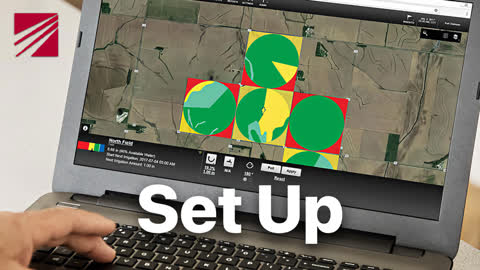
Proceed to the setup tab. It will automatically skip this field if your details are correct ( essentially the wet length of your machine ) and the irrigated area is correct.

Configure the irrigated area if it’s not correct by using the tabs top right. This can be done via a variety of means.

In the next tab configure the field boundary, ensuring it aligns with the irrigation system.

The third set up tab is soil zones (advisor can pull soil maps automatically or allow manual adjustment).

Uploading soil zones from your own maps can be done in the top right tabs.

The fourth tab is for setting up crop zones by selecting crop type, variety, planting date, etc. Planting date is critical.
Now you’re set up!