
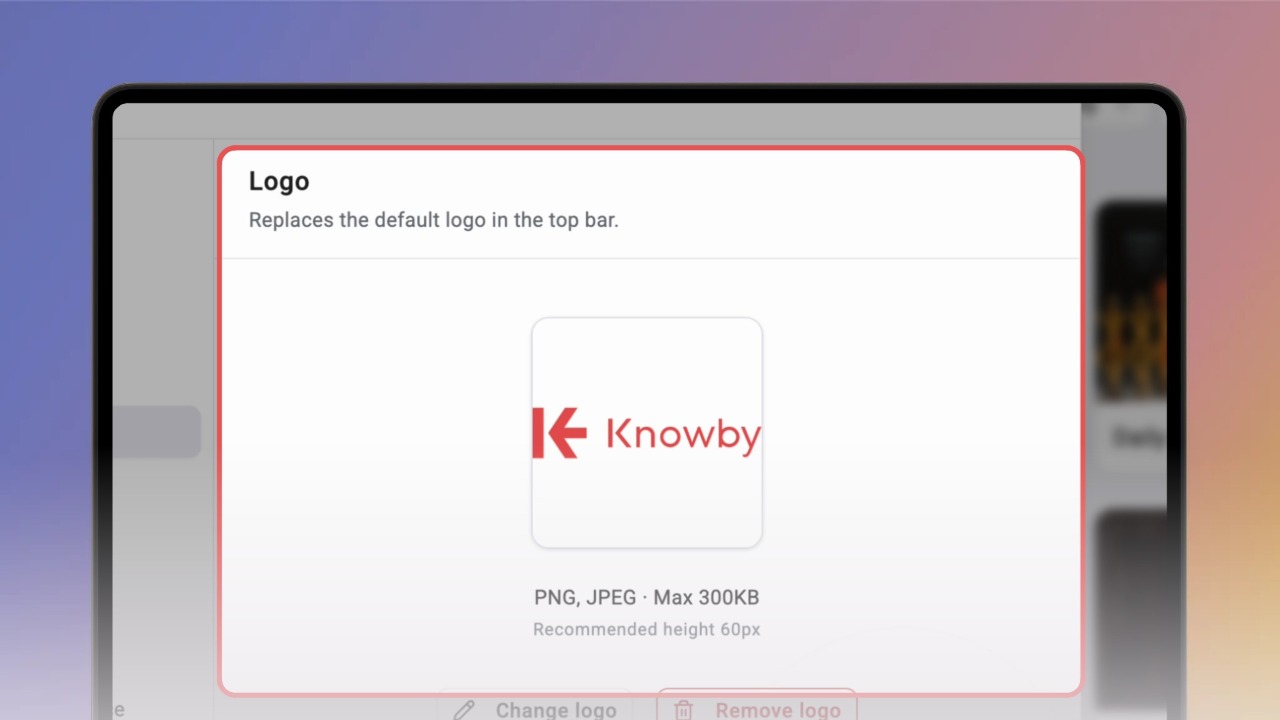
Change your organisation's logo
Show your own logo in the Knowby top bar instead of the Knowby logo, so your team knows they're in the right place.
Show your own logo in the Knowby top bar instead of the Knowby logo, so your team knows they're in the right place.
1
Step 1 of 3Open Settings (the gear icon in the top bar) and click Logo under Branding.
Tip: only admins can change branding.
2
Step 2 of 3Click Add logo and choose a PNG or JPEG file (max 300 KB, recommended height 60 px). Click Open. When you see "Logo updated", your logo replaces the Knowby logo in the top bar.
3
Step 3 of 3To swap it later, click Change logo. To go back to the Knowby logo, click Remove logo and confirm in the pop-up.