Knowby
exquisine pty Ltd
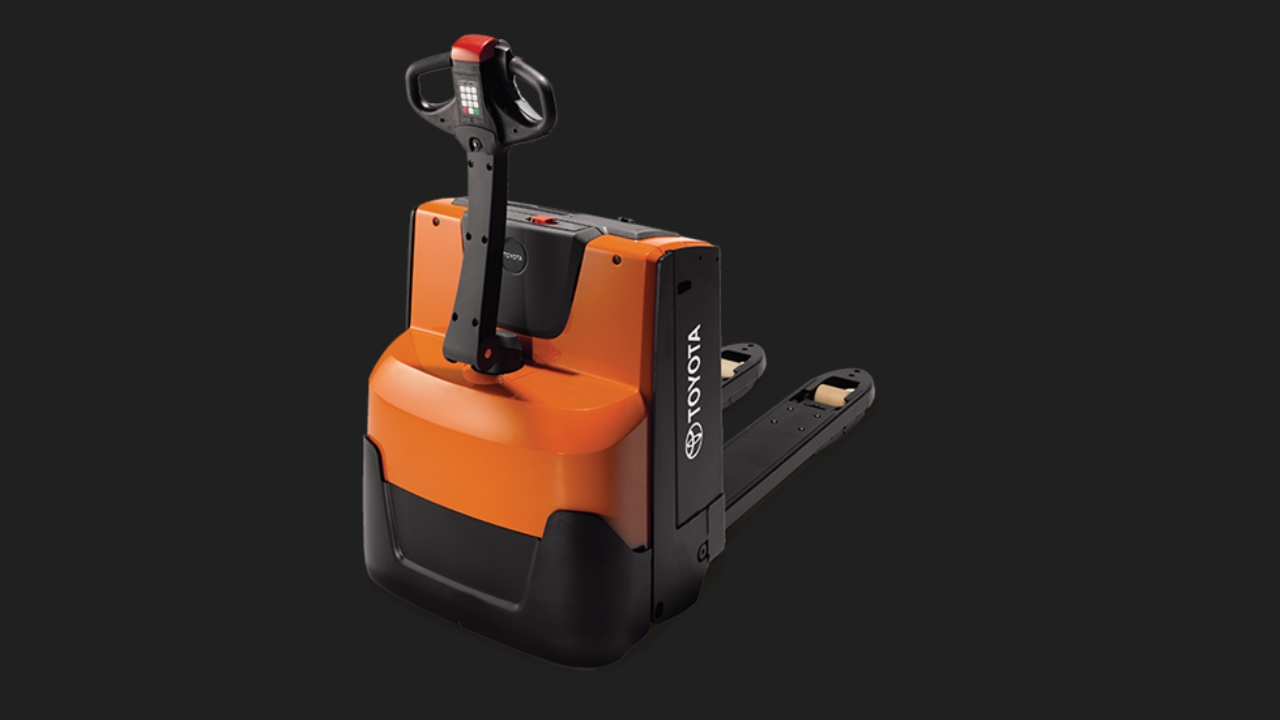
Operating Electric Pallet Jack
1
Step 1 of 8
"Operator Menu"
2
Step 2 of 8
Use only for the person who is authorised.
3
Step 3 of 8Before you use the Equipment, please make sure to check it thoroughly.
- Any physical damage to the equipment, the Chassis and the Fork
Action - If you notice any physical damage, please inform your supervisor. DO not use until you get the supervisor authority to use the equipment
2. Check oil spill on the floor. If you find any oil, PLEASE DO NOT USE THE UNIT.
3. Remove all the Dirt
4. Emergency Switch Off
5. Connect the Battery connector on the battery | close the battery cover.
6. Horn functioning well.
7. Log In to User profile
4
Step 4 of 8Using Pallet Jack
Pallet Lifting or move Down
5
Step 5 of 8Using Pallet Jack
Move Pallet jack Foward or Backwards
6
Step 6 of 8Using Pallet Jack
Emergency Buttons
(If the emergency button is pressed, be sure to restart the unit.)
7
Step 7 of 8Using Pallet jack Slow mode. (On/Off)
On - Press the turtle button once.
*display SLOW on the screen
Off - Press the turtle button once.
*normal display
8
Step 8 of 8Charging the Battery
Turn off the Truck.
Open the Battery cover.
Disconnect the battery connector
Lifting the loops.