Knowby
The Perfumery
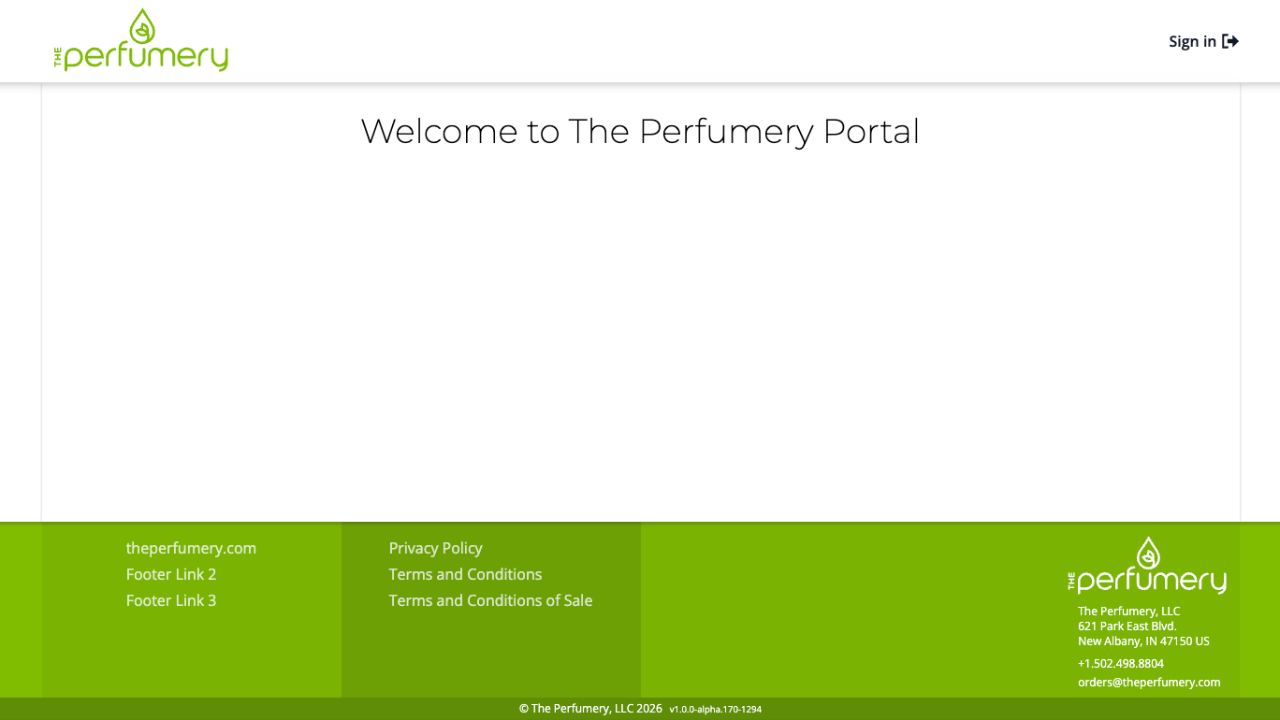
The Perfumery Portal - Dashboard
Knowby created from browser extension capture session at 6/22/2026, 2:23:57 PM
Knowby created from browser extension capture session at 6/22/2026, 2:23:57 PM

2
Step 2 of 14
Click "Sign in".
3
Step 3 of 14
Enter "Email address" and "Password"
4
Step 4 of 14
Click "Sign in".
5
Step 5 of 14
This will take you to the product list page. You will have the option to select our full product listing, your contracted priced items or your order history.
6
Step 6 of 14
Once your order is complete, click the shopping cart in the top right corner to checkout.
7
Step 7 of 14
You can chose pack size and quanity, to do so simply Click "Add to Cart".
8
Step 8 of 14
Click "Checkout".
9
Step 9 of 14
This page is where you will select ship method, blind ship, request expedites, insert PO number as well any order notes for the sales team. Itemized list will total, can also be found on this page.
10
Step 10 of 14
To chose ship to address Click "Select a ship to address".
11
Step 11 of 14
Click "Select an bill to address".
12
Step 12 of 14
Select country for both ship and bill to address
13
Step 13 of 14
Click "Checkout".
14
Step 14 of 14
This will take you to the order confirmation page. Your order will be sent to the sales team to process. You will also receive a confirmation email.