
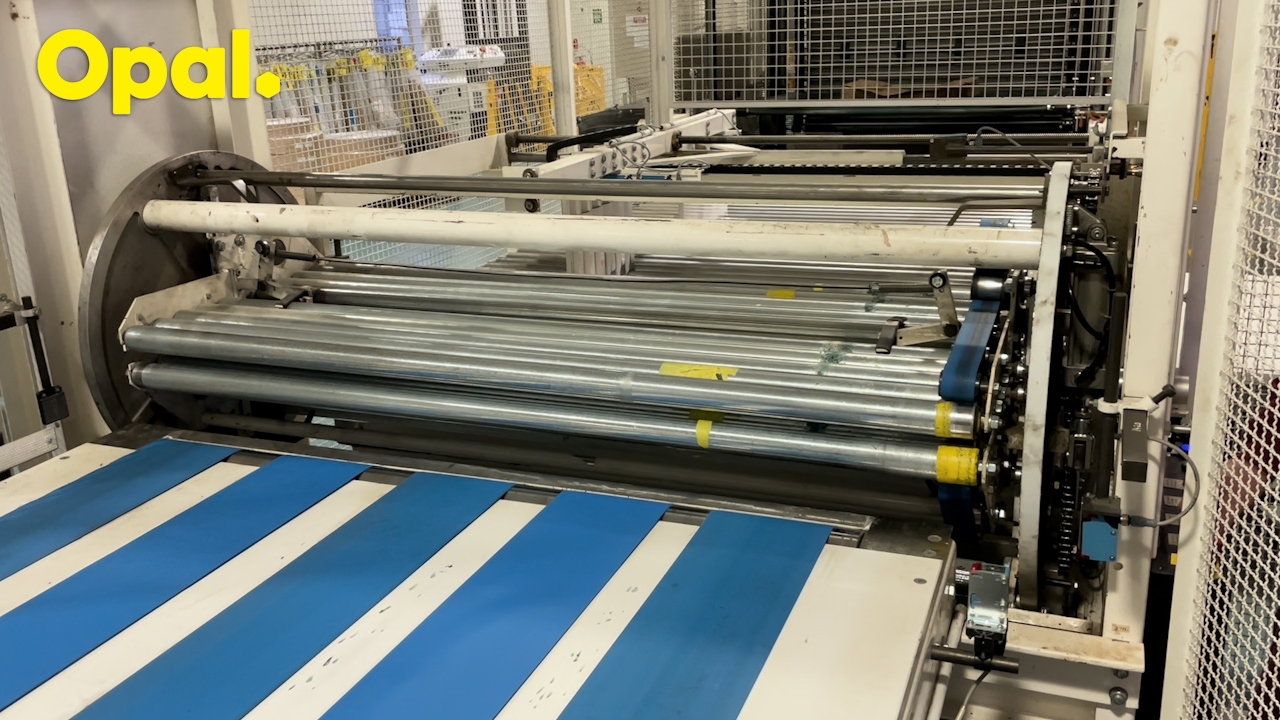
Stop Turnover/Unlock Gate:
Turn 'Turn-Over Station' switch to the off position.
Wait for blue 'Gate Reset' button to illuminate.
Turn 'Gate Lock/Unlock' Switcch to the unlock position
Access Turn-Over Station:
Lift latch a pull gate open to acces turn-over station.
Close Turn-Over Station Gate:
Push gate closed and lower latch.
Note: Ensure gate is firmly closed and interlock switch is firmly seated or the machine will not reset/restart.
Restart Turn-Over Station:
Turn 'Gate' switch to 'Lock' position.
Turn 'Turn-Over Station' switch to 'ON' position.
Press the 'Gate Reset' button. Blue light should switch off.
Turn 'Turn-Over Station' switch to 'Manual' then release it. It will return to the 'ON' position and green light will iluminate.
The turn-over station will return to its home position and start to run