
Set Up Shared Device Mode
Automatically sign out idle sessions on shared devices, so no one's account stays logged in longer than it should.
Automatically sign out idle sessions on shared devices, so no one's account stays logged in longer than it should.
1
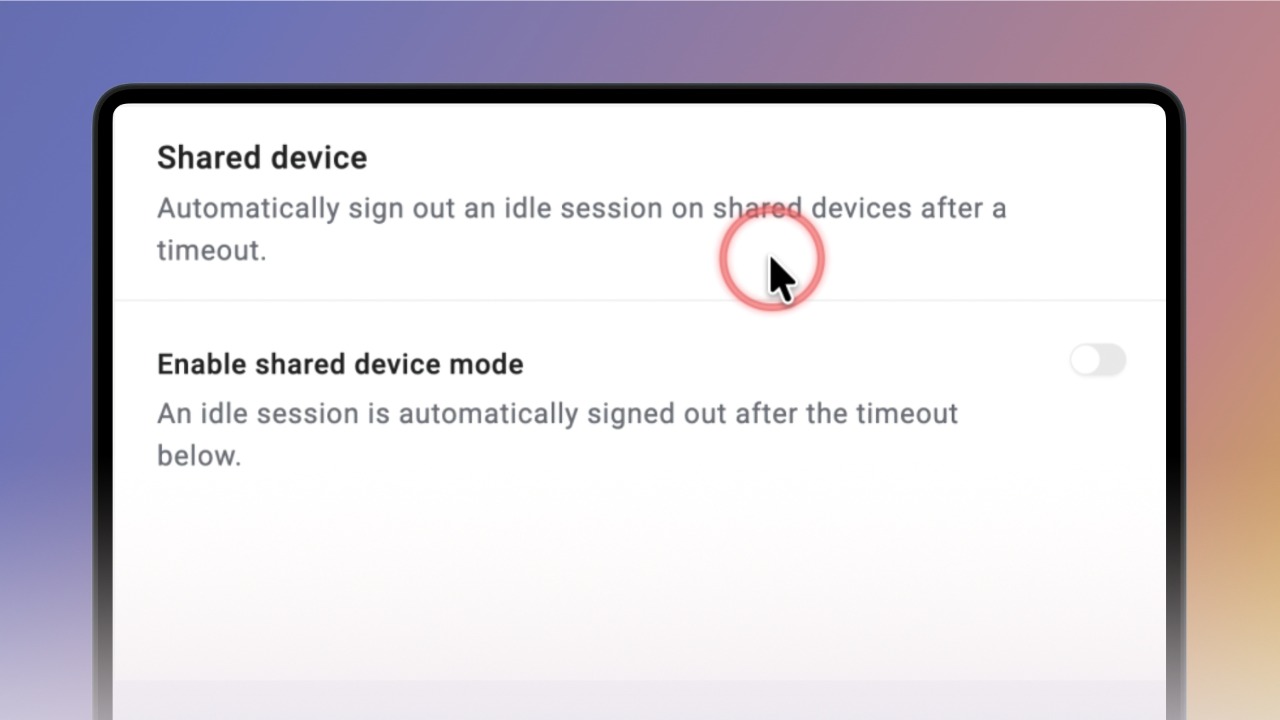
Step 1 of 5Using Knowby on one device shared between several people? Shared Device Mode automatically signs out an idle session after a set amount of time.
You'll find it in Settings, under Shared Device.
2
Step 2 of 5To turn on Shared Device Mode, click the switch on the right.
3
Step 3 of 5Once it's on, you'll see an idle timeout setting, letting you choose how long a session can sit idle before it's signed out.
Pick the value that suits your team from the dropdown.
4
Step 4 of 5
If a user's inactive for that long, a short countdown warns them first.
Clicking I'm still here resets the timer — if there's no response within 30 seconds, Knowby signs them out automatically.
5
Step 5 of 5To turn the feature off, just switch it back to off.