
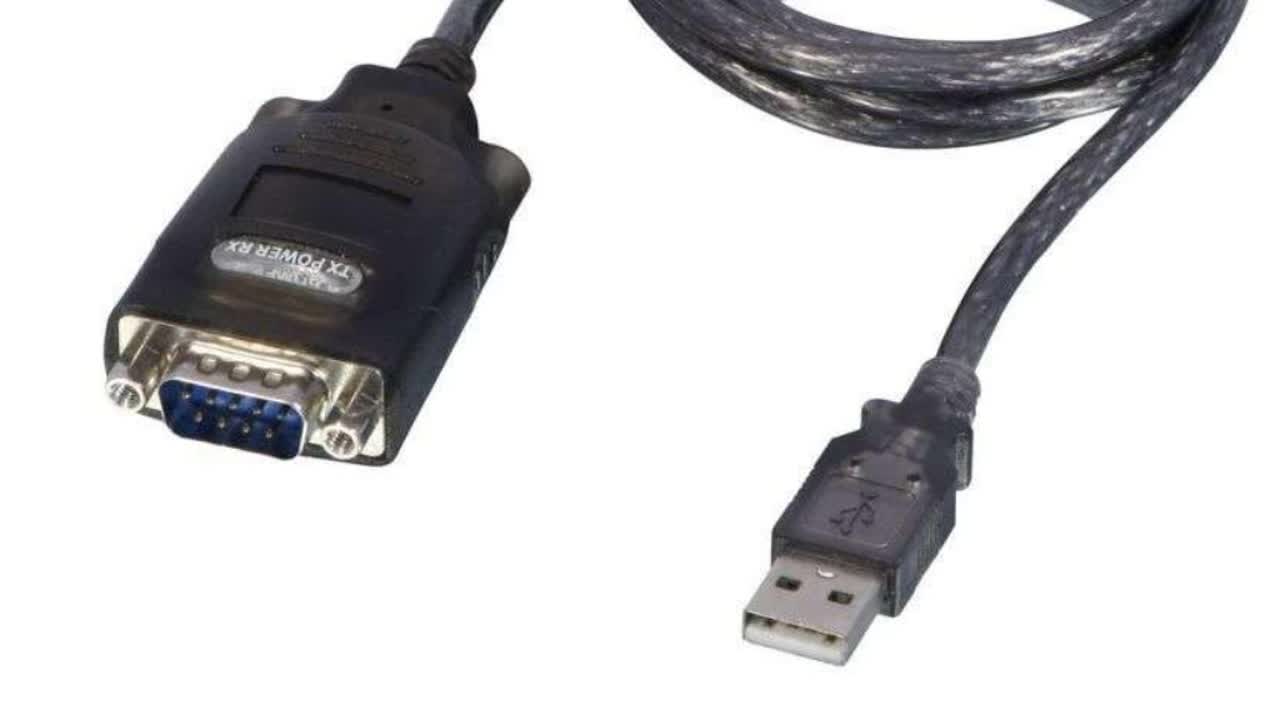

You will need to find a spare usb plug to plug the cable into in the easy dairy sceen box. Click on the Windows button

Click the keyboard to bring up thr big keyboard on screen

Search for 'Control Panel'

Select 'Device manager'

Click 'Ports'

This will reveal the cables assigned to the port. If you unplug and plug the USB plug in, it will appear on here

Go out of device manager. Open Easy Dairy and click on Options

Click on System

Connections Setup

This will show you what com ports from the device manager are already assigned

Go to Options

EASY ID

HERD RECORDING

Click the Com port drop down

Assign the com port that popped up when you plugged the cable in. One not assigned to a port already

In this case is com port 7. Click Save

Go back to Herd Recording

Click enable and test printer

If plugged in printer should print a label. If you have no printer the 'tx' light will flash once on the cable plug to signal it transmitted a label.
Example of test and light flash. Unfortunately the video has been cropped