

Take out one of these sensors - a new box

You only need these two parts from the sensor kit

Identify what area of Meila body show will have the new sensor applied. Upper arm or upper thigh on both sides of body. Can also do flesh parts of lower back if required.
Once locatons sorted - ensure its clean and spray with even spread of Flixonase.
This lives in Meilas main Flowery insulin bag
While the Flixonase is drying, take the two parts of the sensor, remove plastic covers and push them together so the sensor patch is now part of the application tool
Now the area is dry and ready for application
Take the Sensor application tool and push firmly onto the area. There will be a louder clunk/click of the sensor being installed.
press firmly, then take care in lifting the tool off, ensure the sensor is stuck to the area well.

Once the tool is completed, it can be thrown away
- Press around the sensor to ensure it stuck firmly
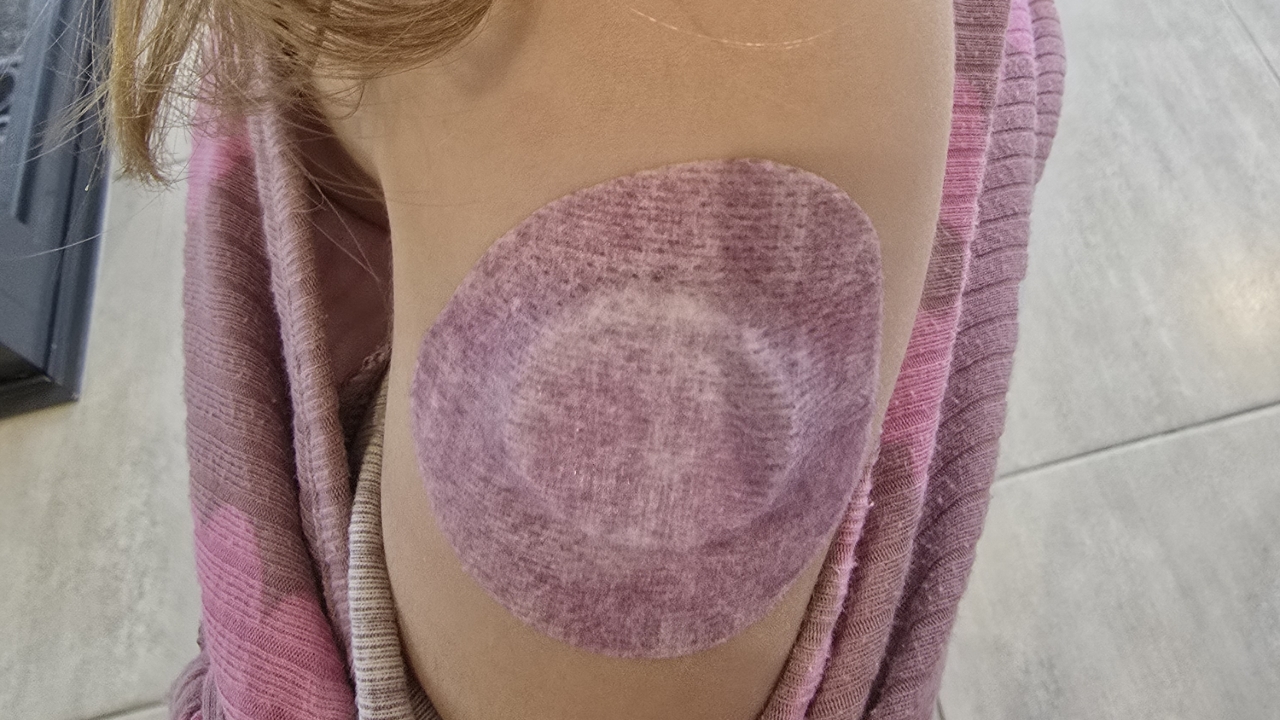
- Take a Plaster patch, and place over the whole sensor to protect it.
Connecting the App to the new sensor
- Open the Sensor app on Meila's phone
- Follow directions on app
- Simply scan new sensor with back of phone
- Then wait for 1hr as sensor is calibrating/warming up
- This will automatically start reading when ready.