
Knowby
Verifying Your Email
Complete the security check to confirm your identity and activate your Knowby account.
1
<p>Once you have created an account, you must verify your email address to access the platform.</p>

Once you have created an account, you must verify your email address to access the platform.

2
<p>Go to your email inbox and look for a message from Knowby.</p><p></p><p>Open the email and click <strong>Verify Email Address.</strong></p><p></p><blockquote><p>If you do not see the email, check your spam folder or click <strong>Click to resend</strong> on the verify screen.</p></blockquote><p></p>

Go to your email inbox and look for a message from Knowby.

Open the email and click Verify Email Address.

If you do not see the email, check your spam folder or click Click to resend on the verify screen.

3
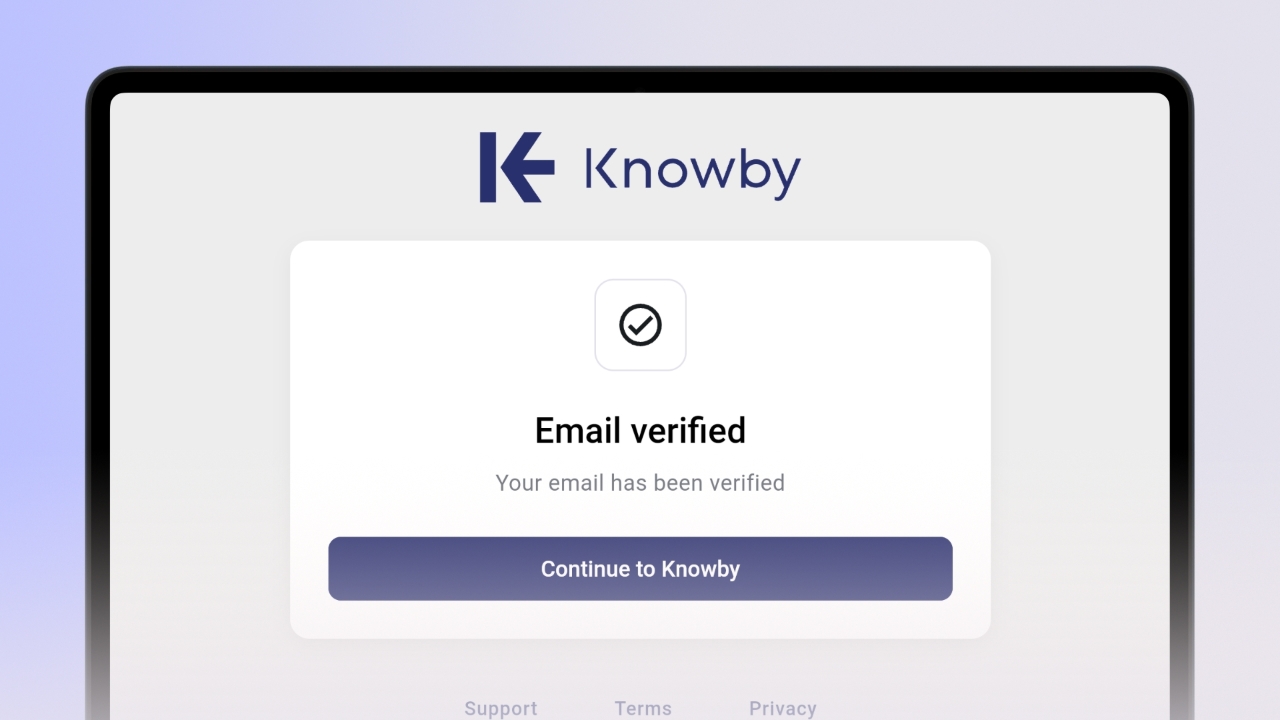
<p>After successful verification, the Email verified screen will appear.</p><p></p><p>Click the <strong>Continue to Knowby</strong>&nbsp;button to proceed.</p><p></p><p>​<klink id="4772e6be-cb3c-48eb-80aa-156c50bf3e35" step-id="320ba0f0-61e2-407d-86e6-6ec6129ce502">See how to set up an organisation if you don't have one or haven't been invited yet.</klink>​</p>

After successful verification, the Email verified screen will appear.

Click the Continue to Knowby button to proceed.

See how to set up an organisation if you don't have one or haven't been invited yet.