

Personal Protective Equipment (PPE). Gloves and Safety Glasses. If you don’t already have a pair of gloves or safety glasses, please see the store person.

QA Sheet. You will find a QA sheet at the machine, if there is no QA sheet there, see the team leader or production. A QA sheet will need to be completed at the start, throughout and, at the end of the day.
No tools required.

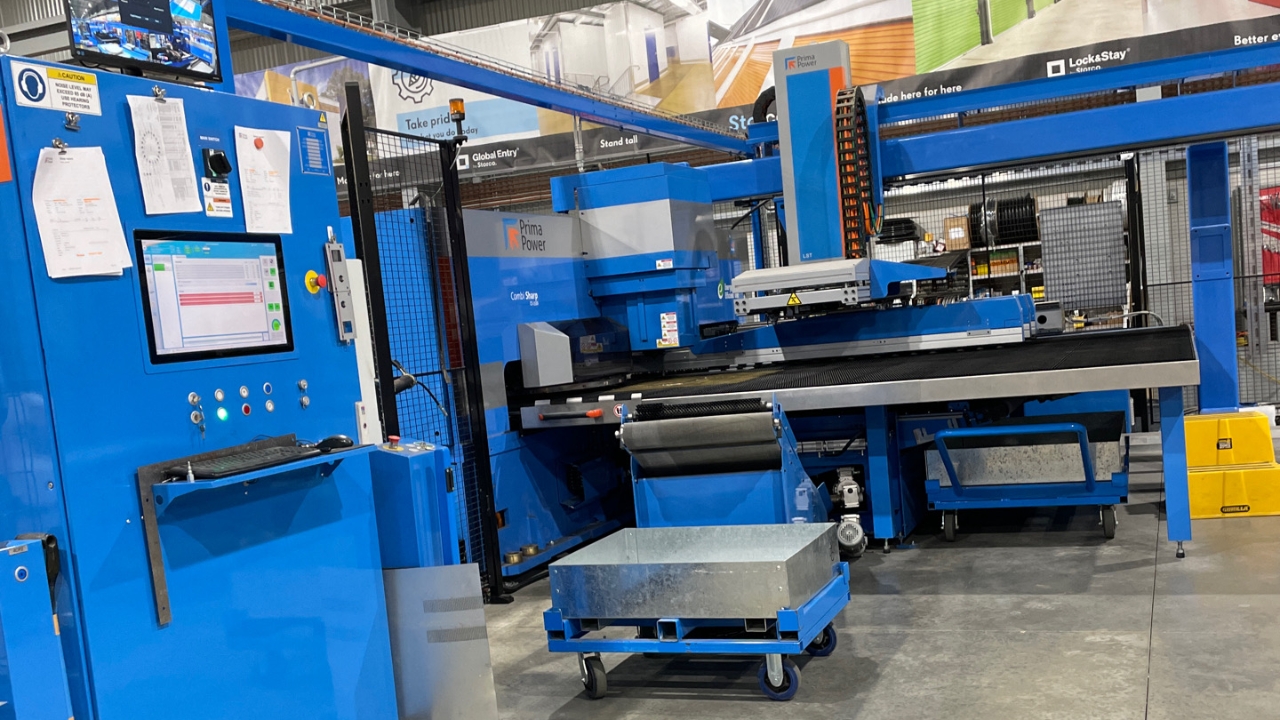
At the console, turn the main switch ON.

Turn the air ON.

At the back of the machine, turn the main switch ON.

Turn the switch to Robot to turn the laser ON.
![<p>Turn the gas ON. [turn the handle in line with the pipe].</p>](https://knowby.show/media/storco/knowbys/0b6d463f-b3ac-46c7-a327-8efbccb89547/steps/553cb751-ec14-4b75-8345-2a0a8a2addf6/hd720.jpg)
Turn the gas ON. [turn the handle in line with the pipe].
Put the filter back in and lock the door. [this would have dried after cleaning at last shutdown].

Press the Blue safety reset button on the door of the machine.

Press the Blue safety reset button on the side of the machine.

Press the Blue safety reset button next to the console of the machine.

Type in the password, the password is; london

Open Tulus.

Press the white reset button.
![<p>Turn the top key to the right: '1'. [Laser]</p>
<p>Turn the bottom key to the right; 'S' [Air]</p>](https://knowby.show/media/storco/knowbys/0b6d463f-b3ac-46c7-a327-8efbccb89547/steps/7b229141-285a-4e90-8b8e-3a52996e4904/hd720.jpg)
Turn the top key to the right: '1'. [Laser]
Turn the bottom key to the right; 'S' [Air]

Make sure the Laser head and laser hood go up.