
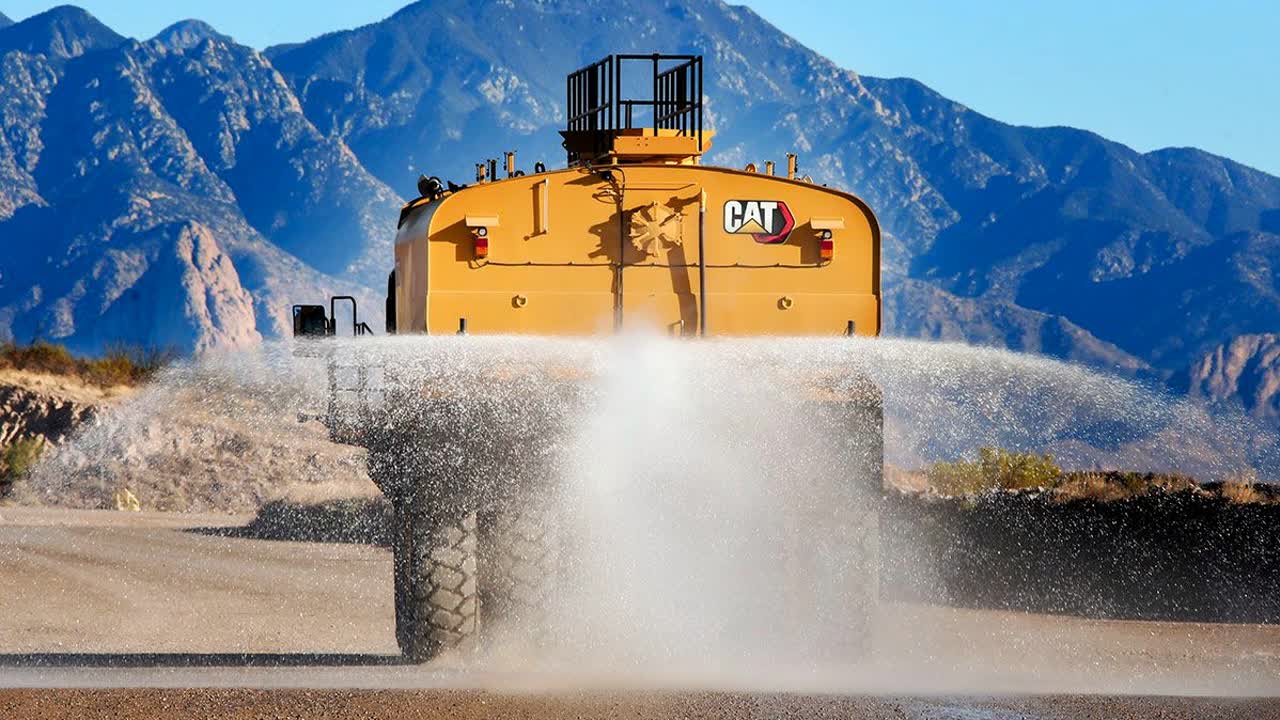
Cat® Water System Operation Guide
This guide provides step-by-step instructions for operating the Caterpillar water delivery system, ensuring precise water application for dust control. Learn to use the keypad, joystick, and monitor for optimal performance, enhancing safety and productivity at your job site.
This guide provides step-by-step instructions for operating the Caterpillar water delivery system, ensuring precise water application for dust control. Learn to use the keypad, joystick, and monitor for optimal performance, enhancing safety and productivity at your job site.
1
Step 1 of 20Overview
- The Cat water delivery system provides precise water application for dust control.
- Designed to help operators focus on driving while the system manages water distribution.
2
Step 2 of 20Inside the Cab
- Use the keypad to select spray heads and set water application rates.
- Joystick controls the water cannon.
- Monitor displays settings, water levels, and diagnostics.
3
Step 3 of 20Auto Mode
- System defaults to auto mode upon powering on.
- Ideal for most haul road dust control needs.
4
Step 4 of 20Select Spray Heads
- Choose spray heads (1-7) via the monitor using the keypad.
5
Step 5 of 20Set Water Application Rate
- Adjust the rate using the plus and minus buttons on the keypad.
6
Step 6 of 20Enable the Pump
- Press the pump button on the keypad to start water application.
7
Step 7 of 20Ground Speed Control
- Water flow is automatically adjusted based on ground speed.
- Ensures consistent application rates regardless of speed changes.
8
Step 8 of 20Monitor Indicators
- Active spray heads and application rate are displayed.
- Green lamp indicates an active head; red lamp indicates inactive.
9
Step 9 of 20Change Spray Heads
- Press the desired head number to activate/deactivate.
- Settings remain active as long as the key is on and minimum spray speed is met.
10
Step 10 of 20Adjust Application Rate
- Set rates from 0.1 to 0.8 liters per square meter using keypad buttons.
- Confirm settings on the 7-inch high-definition display.
11
Step 11 of 20Spray Head Configuration
- Switch the number of active spray heads.
- System readjusts water flow to maintain the selected rate.
12
Step 12 of 20Traffic Avoidance
- Deactivate spray heads near oncoming traffic using the joystick trigger.
- Configurable for left or right-hand drive.
13
Step 13 of 20Intermittent Application
- Use the intermittent button on the keypad for staggered water application, enhancing traction on ramps.
14
Step 14 of 20Activating the Cannon
- Press the cannon button, then the pump button, and pull the trigger.
15
Step 15 of 20Joystick Movements
- Move the cannon right/left and adjust the angle forward/backward.
16
Step 16 of 20- Use the slider switch to toggle between fan and jet streams.
17
Step 17 of 20Fuel Efficiency
- Achieve 80% cannon flow at idle for fuel savings.
- High idle provides 100% cannon flow for extended use.
18
Step 18 of 20Basic Integration
- Real-time tracking via laptop or mobile device.
- Monitor water levels, fuel levels, and asset health.
19
Step 19 of 20Premium Integration
- Includes basic functionality plus detailed watering data.
- Track watering locations, times, spray heads used, and application rates.
20
Step 20 of 20Conclusion
- Ensures safe, efficient road maintenance and dust control.
- Integrated with Cat MineStar Edge for enhanced productivity.