
Turn on the power for the 1272 Noodle Helix and the printer.
On the 1272 Helix display, check that the sealing temperature and the printer display are turned on.
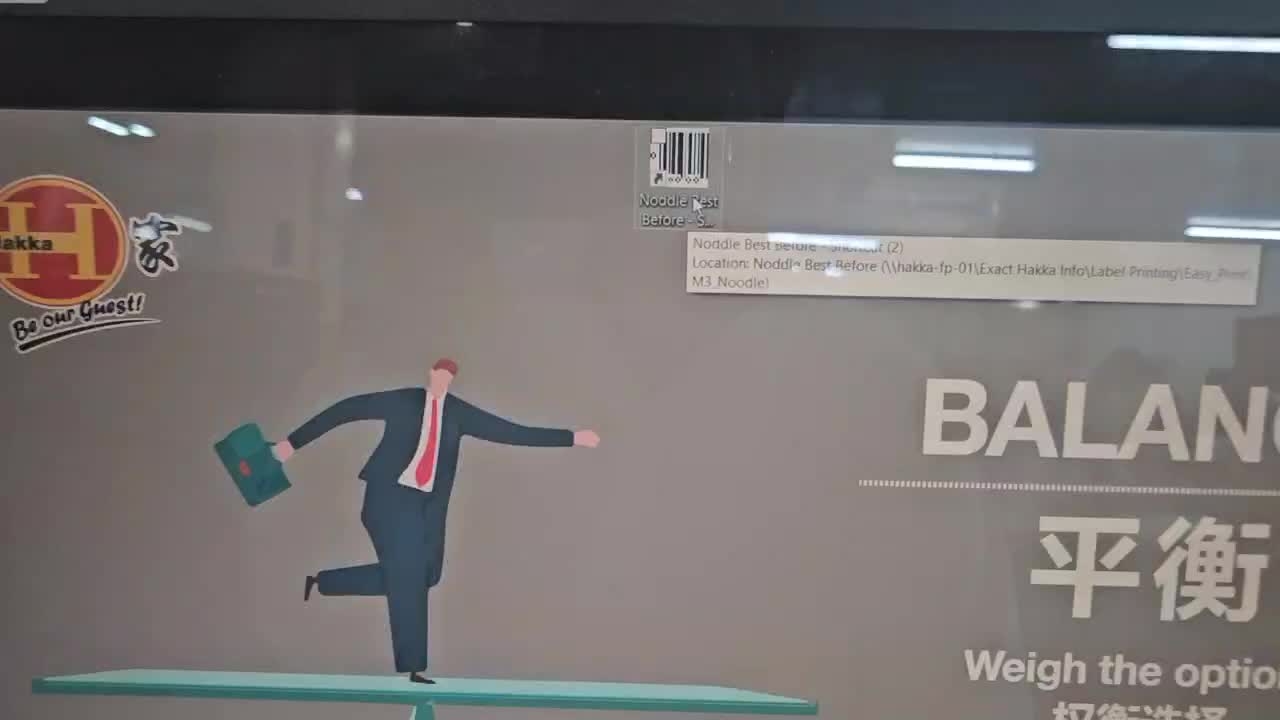
On the Noodle B-account computer next to the blaster chiller, click the ‘Noodle Best Before’ icon to open the printer program.
In the printer program, go to File > Printer Setup, select the existing printer server and delete it. Then click Add, choose ‘Easy Printer Communicator II 2 Driver’, and click Next.
In the Port section window, click Socket and a field for entering the server address will appear. Enter the server address 192.168.1.193, then click OK and Done.
In the printer program, click the printer icon and the ‘Proof Printer Label Design’ window will appear. Check the driver name and server address, then click OK.
Next, click Browse, and the product batch information will be displayed. Select the desired product batch, then click Close and OK.
The ‘Print Preview of Design’ window will appear; click OK, and the batch data will be sent to the 1272 Helix printer display.
Once the batch data has been sent to the Helix printer display, press the Helix Start button.
Turn on power the Multi-pond and wait until the display reaches the same status as shown in the video.
Then press Program Selection > No > Do not empty > Program Memory.
Choose the desired product and press Open to load the Multi-pond program.
After loading the program for the desired product, touch Start on the controller and activating the Multi-pond.
When you go up to the Multi-pond area, you will be able to see each of the blue hoppers operating.
The noodles are transferred to the 1257 Multi-pond weighing system via the 1266 and 1259 conveyor belts.
The noodles are divided into portions through the 1257 Multipond weighing system and distributed into the upper hopper (prefeed). They are then weighed in the lower hopper (weight) according to the set weight, transferred to the ‘Product Handoff’ section, and finally dropped into the 1272 film packaging machine.
When the Multi-pond dispenses the noodles according to the set weight and they move to the Helix machine, the packaging process starts automatically. The packaged noodles are then transferred onto the 1262 conveyor belt.
Randomly select 10 packs of noodles coming out of the 1272 Helix and put them in water to check for any packaging leaks.

After checking the packaged noodles for any leakage, the operator records the results on the Noodle Sealing Test Record.
Leak checks must be performed when the product first comes out, whenever the packaging film is changed, and every 30 minutes thereafter.