
Change your organisation's colours
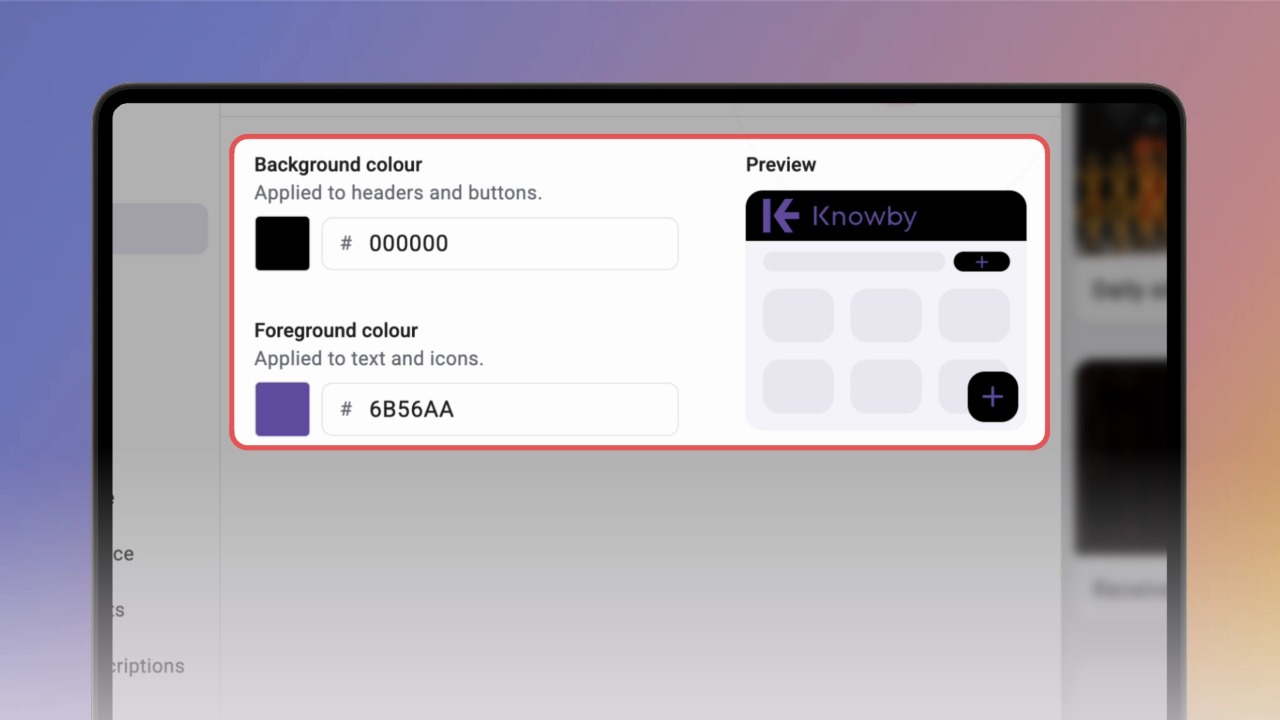
Use your brand colours in Knowby. The colours you choose appear in the top bar and on buttons for everyone in your organisation.
Use your brand colours in Knowby. The colours you choose appear in the top bar and on buttons for everyone in your organisation.
1
Step 1 of 4Open Settings (the gear icon in the top bar) and click Colour under Branding.
Tip: only admins can change branding.
2
Step 2 of 4Click the Foreground or Background colour swatch and pick a colour, or type a hex code. The Preview on the right updates as you go.
3
Step 3 of 4Click Save changes. You'll see "Colours updated", and the new colours appear straight away.
4
Step 4 of 4Want the default look back? Click Remove brand colours and confirm with Remove.