
WideTrac - How to 'Manually' Run Belt
This Knowby will run you through step by step on how to How to 'Manually' Run WideTrac Belt
This Knowby will run you through step by step on how to How to 'Manually' Run WideTrac Belt
1
Step 1 of 6
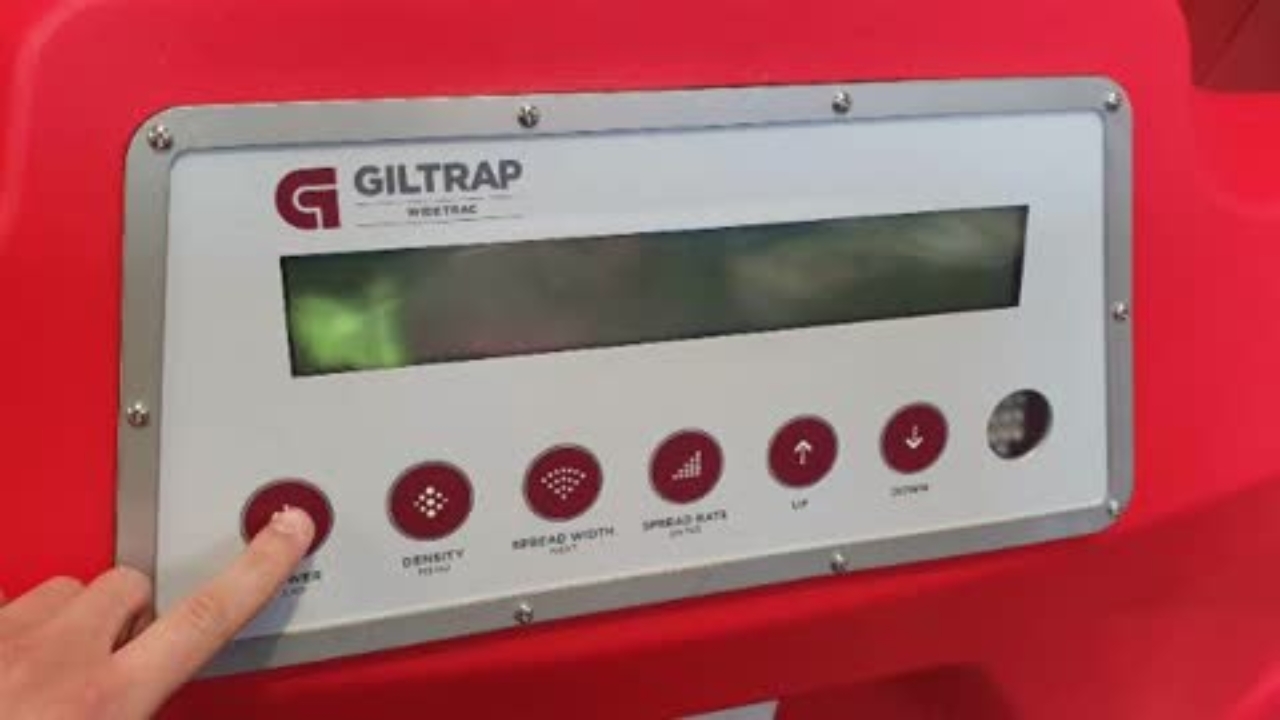
Connect power and turn on the controller
2
Step 2 of 6With hydraulics connected and engaged, set tractor to operating RPM and flow to at least 60L/min
3
Step 3 of 6
Press and hold the "Density" button until the "MENU" screen disappears
4
Step 4 of 6
Use the up arrow to navigate through the menu to "Test Belt"
5
Step 5 of 6
Press "Spread Rate" to enter the test belt menu
6
Step 6 of 6
Press and hold the up arrow to increase 'PWM %' and increase belt speed. Return setting to zero or exit menu to stop belt. Menu automatically exits after thirty seconds of no speed change