
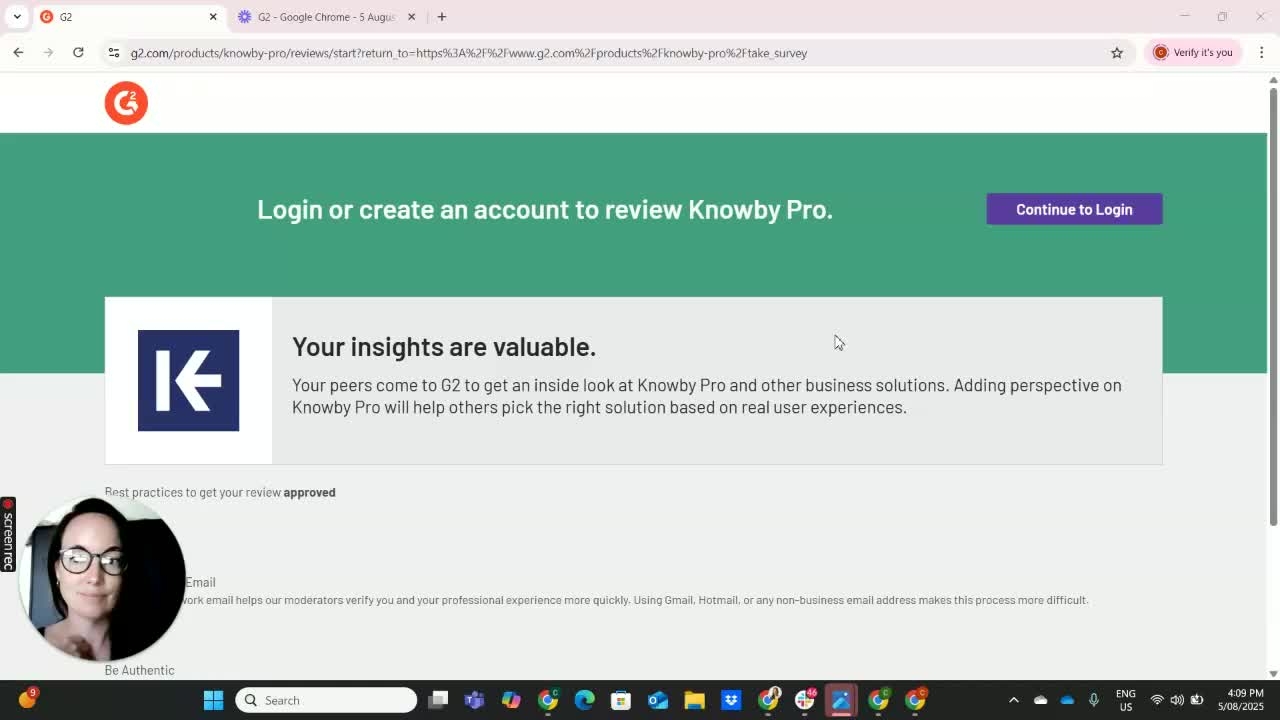

G2 will ask you if you are a current user of Knowby or not.
If you are a current user it will ask you for a screenshot of the system.
You can prepare this before you get started.
Go ahead to continue to log in.
There are 3 options to create an account on G2:
Google account
Linkedin account or
Use an email address and password
If using Google, sign in and grant access.
If using email/password or LinkedIn, enter your credentials.
You can be as honest as you want, list as much information as can about what you like best about Knowby.
A few things to consider in your review:
ease of use
ease of implementation
features
price
think of the issues that you originally had when you started searching for a solution and is there any other uses that you have used Knowby for.
For the Question 'which purposes do you use it?
It's been listed under these three categories:
Standard Operating Procedures
Work Instructions
Connected Worker Platform
Pick the one that is closest to what you use it for or all 3 if applicable.
What problems is it solving?
It brings you through a list of different multiple choice one to seven questions.
G2 will ask you if you are a current user of Knowby.
It can be a screenshot your home screen when logged into the Knowby workspace or you can do a screenshot on mobile.
You can also upload a downloaded QR code instruction.