
How to enter production site
Instructions for staff and visitors for how to use the swipe gates to enter the site.
Instructions for staff and visitors for how to use the swipe gates to enter the site.
1
Step 1 of 3
Visitor Entry
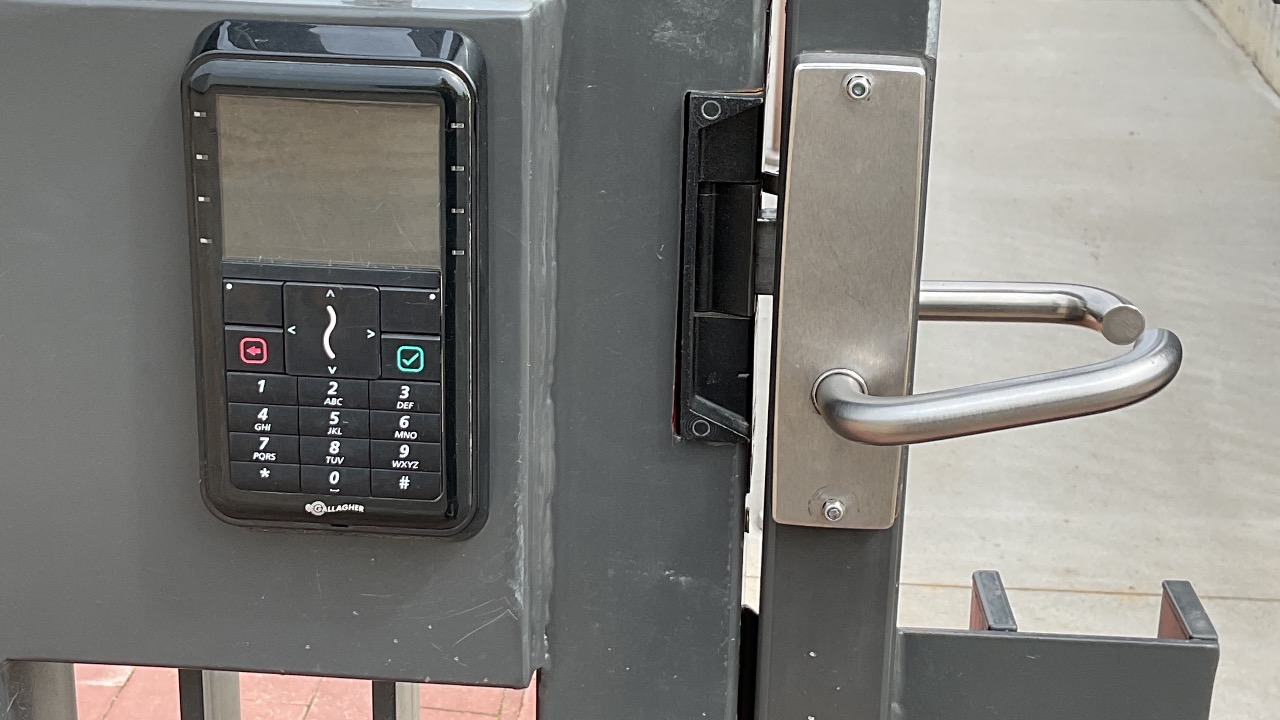
Visitors to site need to press the speaker icon for admin or office staff to open gate.
Once access is granted gate will be unlocked.
2
Step 2 of 3
Staff Entry
For staff to enter or exit site through the gate they will need their access card on the scanner for gate to open.
3
Step 3 of 3
Exiting the Site
To exit the site the visitor or contractor will need to press the green symbol for administration to open the gate