
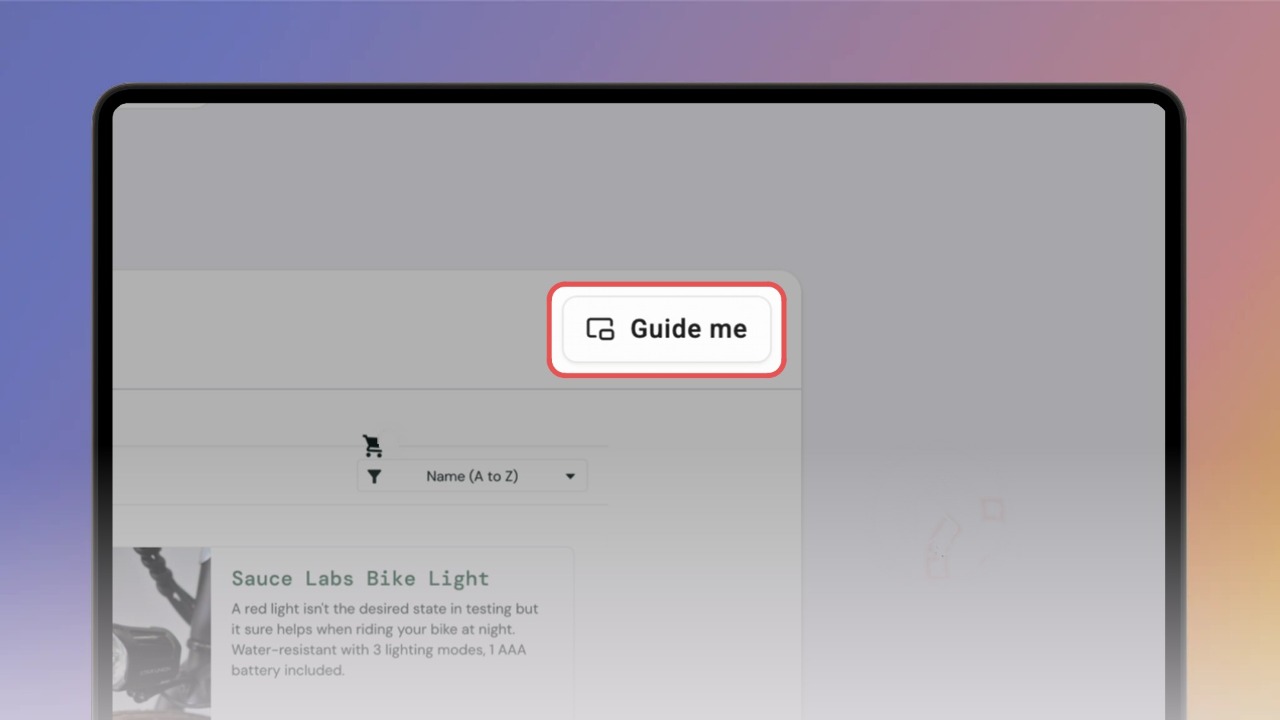

Guide Me works with knowbys created using the Knowby Capture extension — these are recorded from a real webpage, so Guide Me knows exactly which site to open alongside your steps.
Not sure how to create one? Check out the
Capture a web page with the Knowby Capture extension guide first.
Open your knowby and find the Guide Me button — its location depends on the view mode:
Scroll mode — hover over the button in the top right corner of any step
Slide mode — find the Guide Me button on the Details screen
Click "Guide Me" to launch playback.
The website recorded during capture will open automatically, with your knowby playing in the side panel alongside it.
Hover over the step image to reveal Zoom in and Zoom out controls — useful for seeing exactly where to click on the page.
Move between steps using the "Next" and "Previous" buttons, or scroll through the step list in the panel and click any step to jump straight to it.